
Quality of Queso
Dillon8775
53.907 downloads · 115 followers
Minecraft: Minecraft 1.20.1 – 26.3
Runs on: Client & server
Kategorie: game-mechanics, management, optimization, storage, technology, utility
Compatibility by loader
- fabric1.21.1 – 1.21.11, 26.1 – 26.3· Latest 1.7.20 (25. Okt. 2026)
- neoforge1.21.11, 26.1 – 26.3· Latest 1.7.20 (25. Okt. 2026)
- forge1.20 – 1.21· Latest 1.5.5 (28. Feb. 2026)
Required with
Overview

Chest searching, precise inventory management, and more!
[
](https://fabricmc.net/)
[
](https://neoforged.net/)
[
](https://files.minecraftforge.net/net/minecraftforge/forge/)


[
](https://modrinth.com/mod/dillon-lib/versions)
[
](https://modrinth.com/mod/balm/versions)
[
](https://modrinth.com/mod/yacl/versions)
Features include:
-
An easy-to-use search bar for your inventory and chests
-
Precise Inventory Management, building upon other inventory management mods
-
Container Filtering and Sorting
-
Locked Slots
-
Item Counter and Armor Status
-
Remove fog
-
And more!
📃 Main Features 📜

-
Search for items in a container or your inventory
-
Search multiple items at once by separating each query with a ,
-
Search items by tag by starting query with #
-
Match case by starting query with :
-
Exclude items from searching with a !
-
Search by mod name with @
-
Searches inside transportable containers
-
Right-click to clear the search bar
-
Fully configurable with different modes and appearances in the mod's
Searchingtab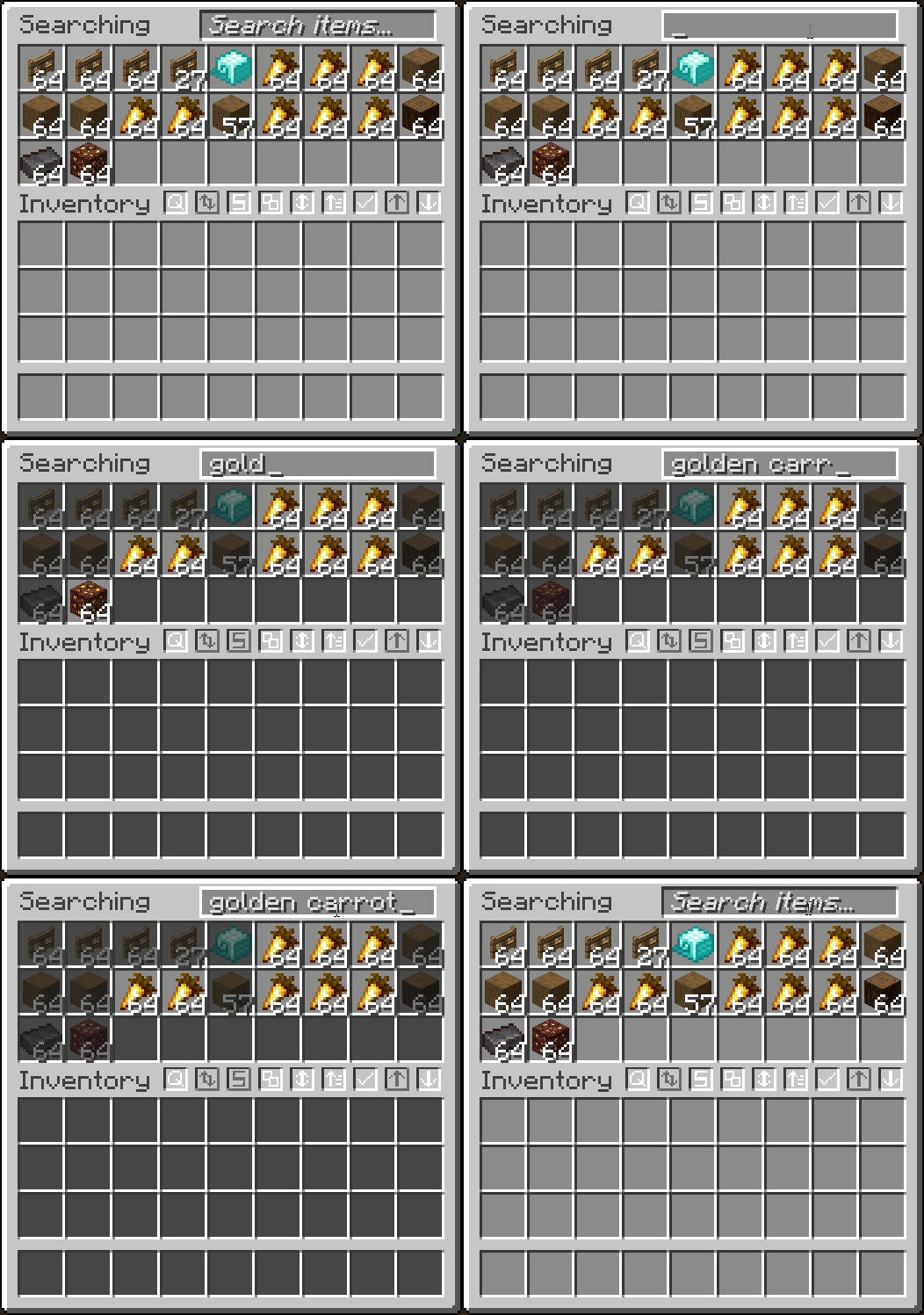 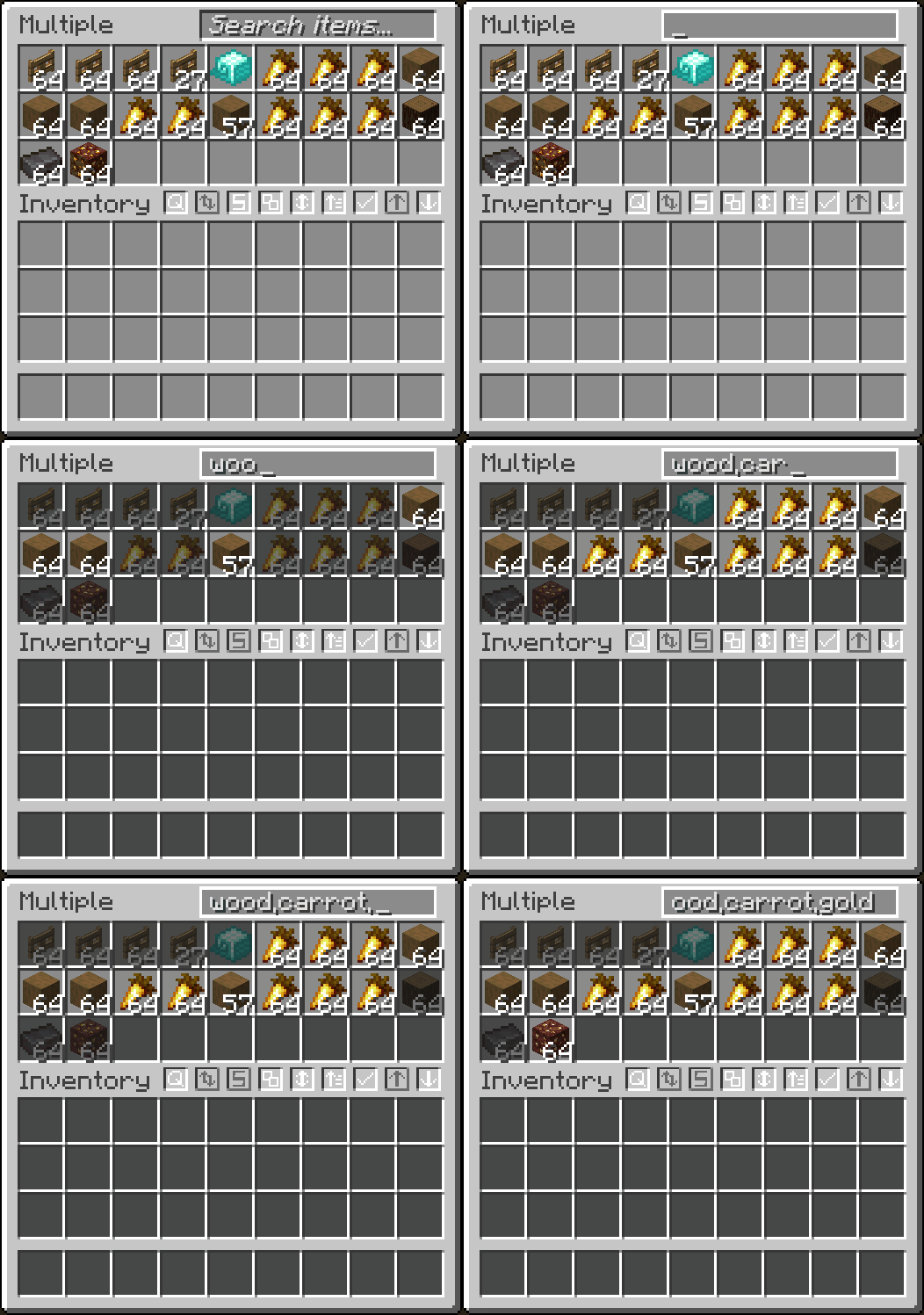 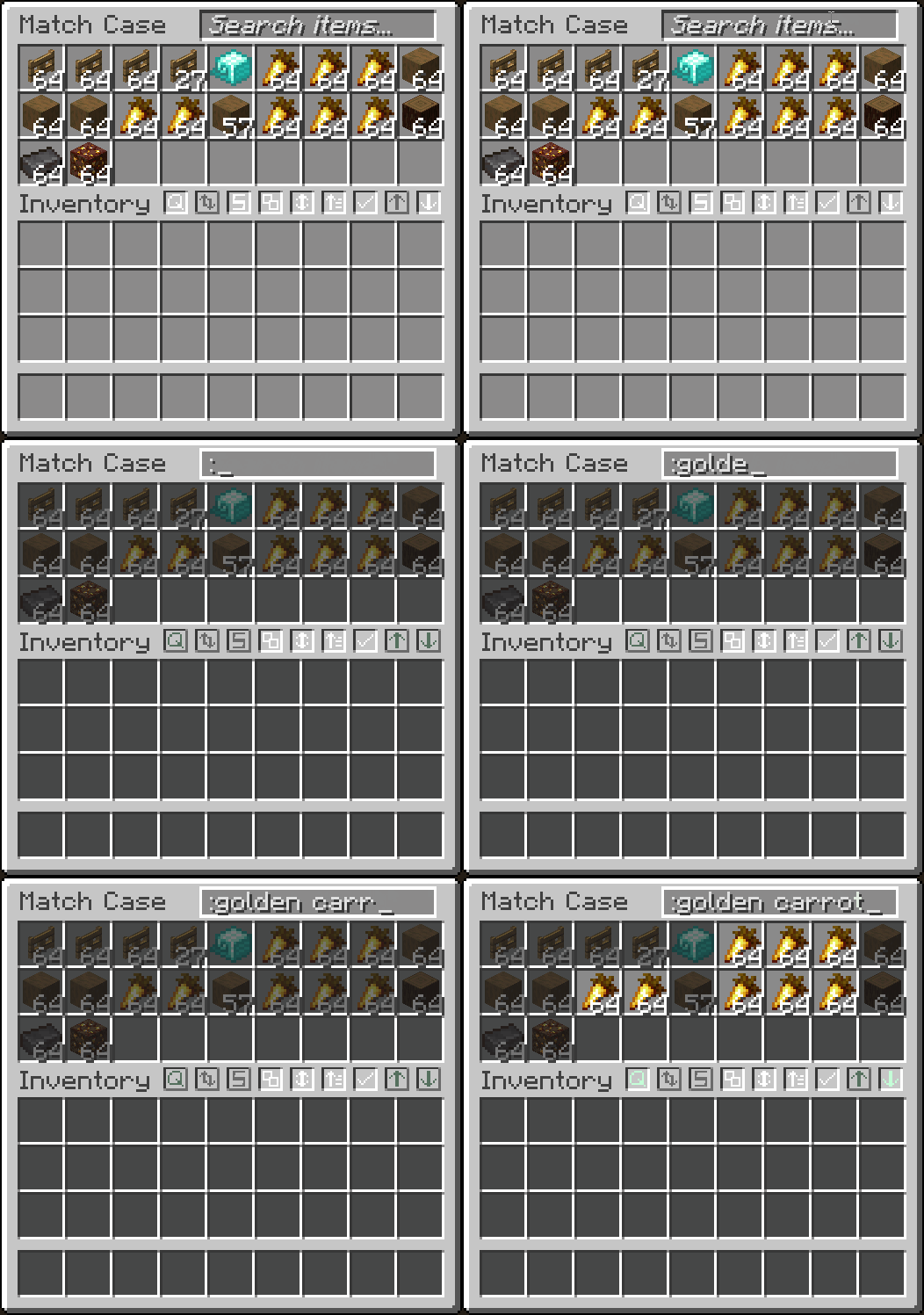 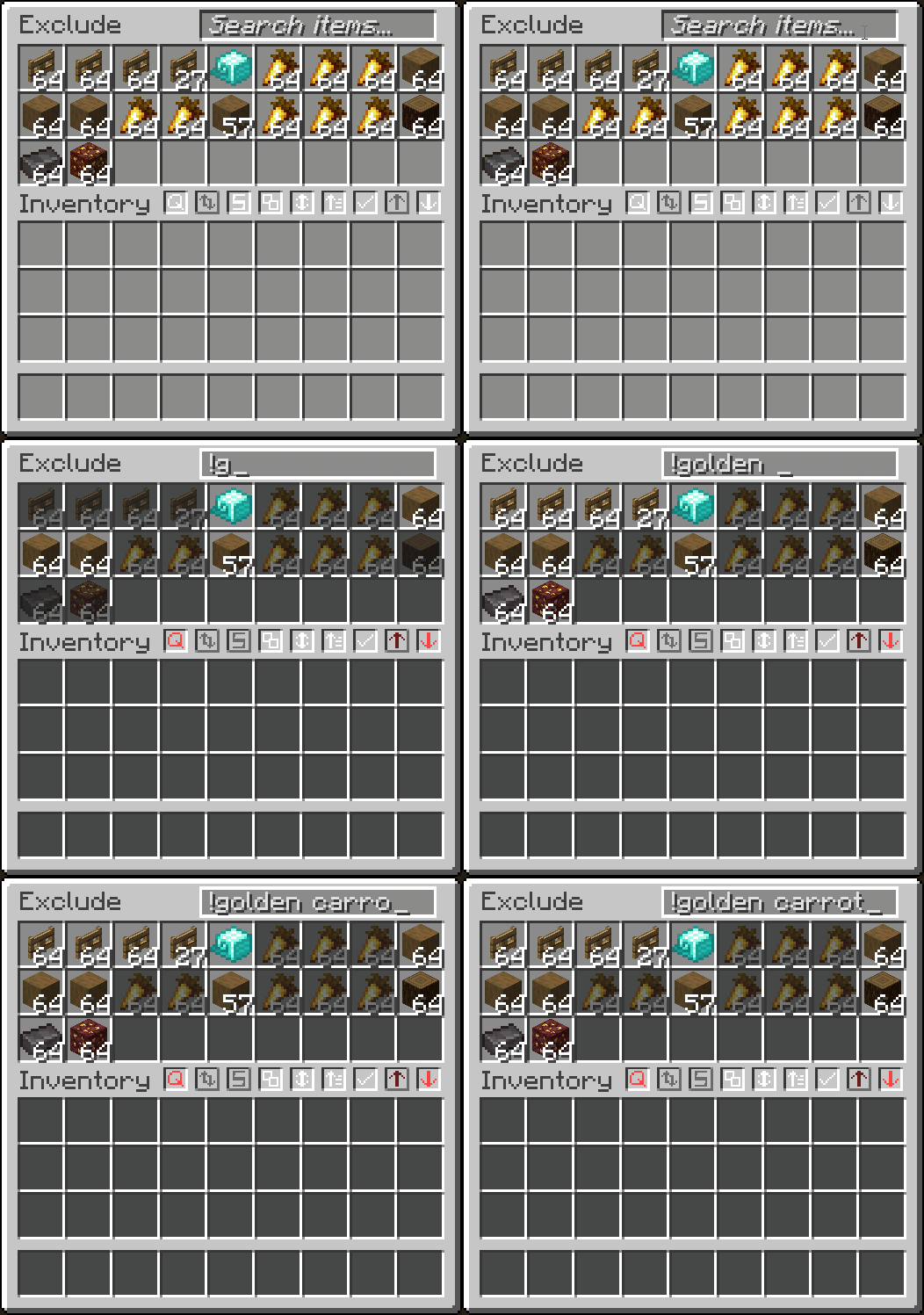 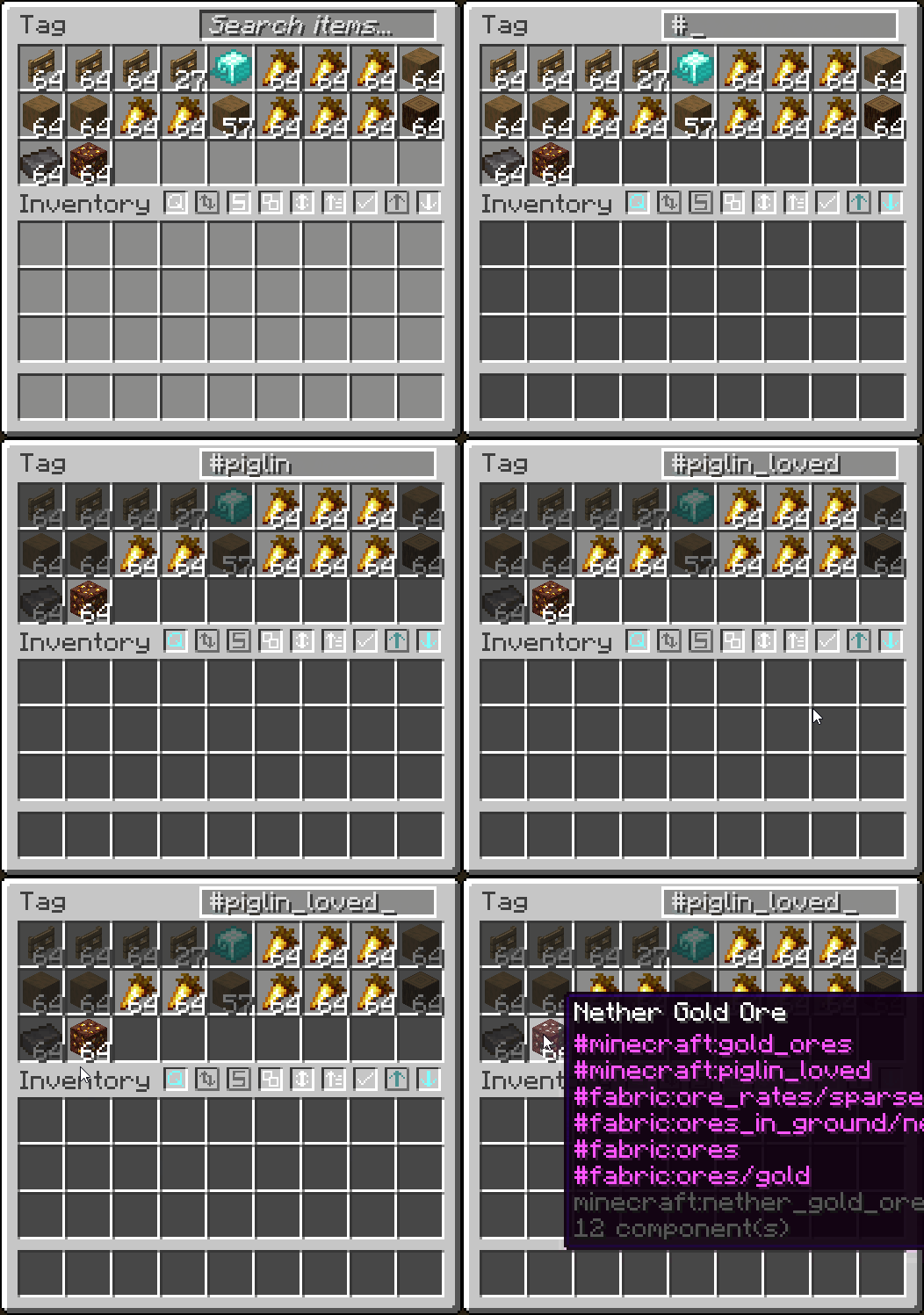 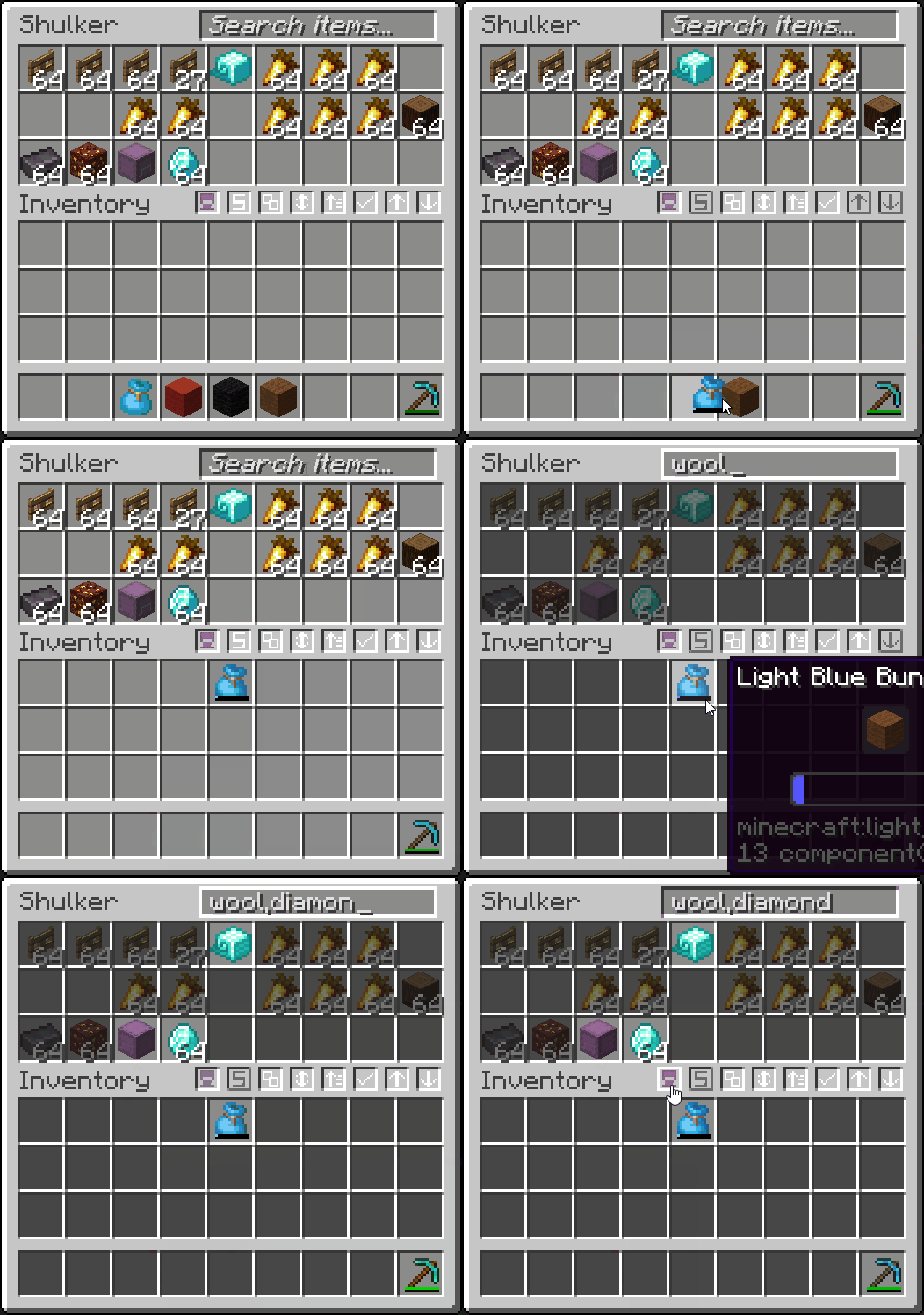 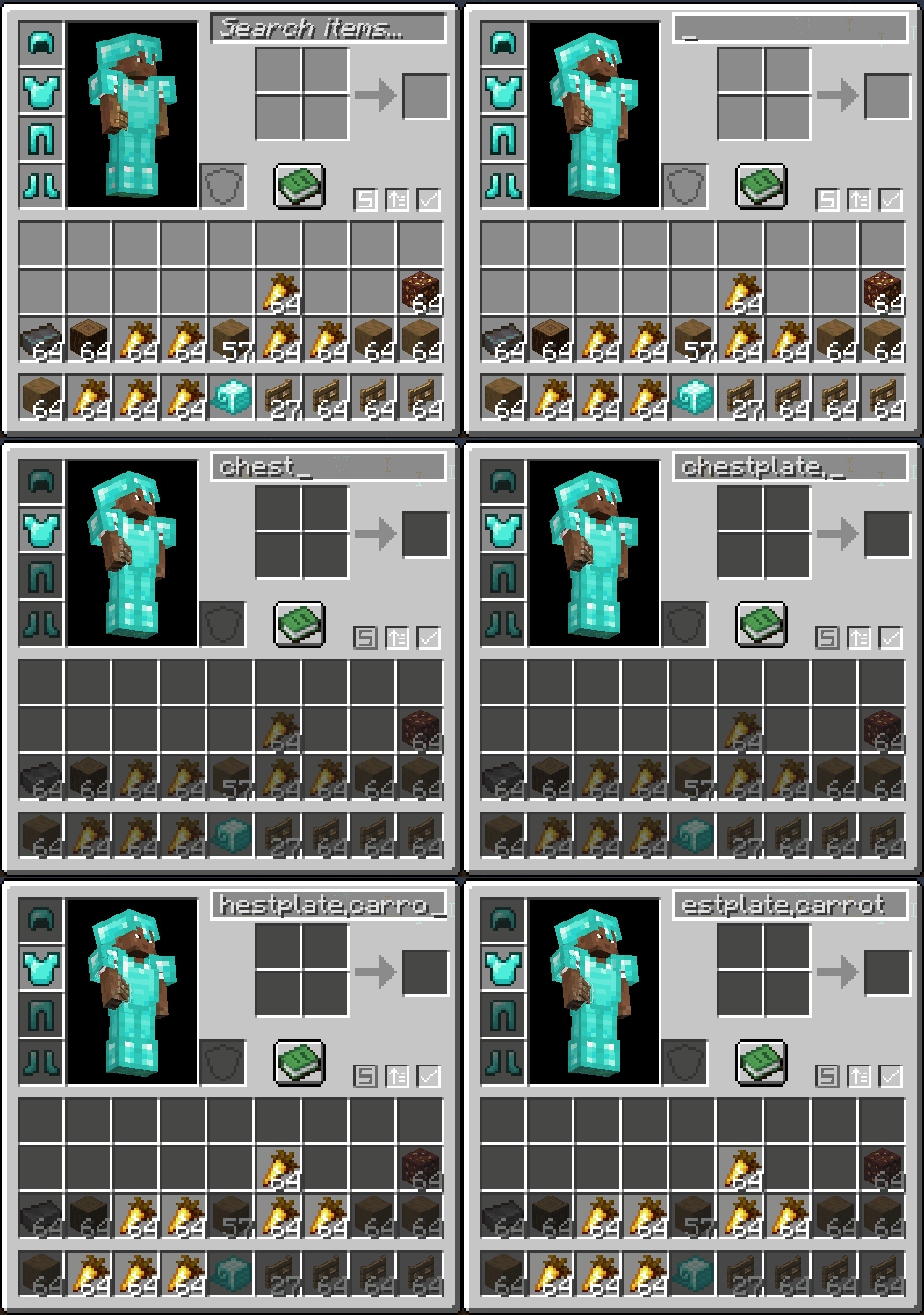 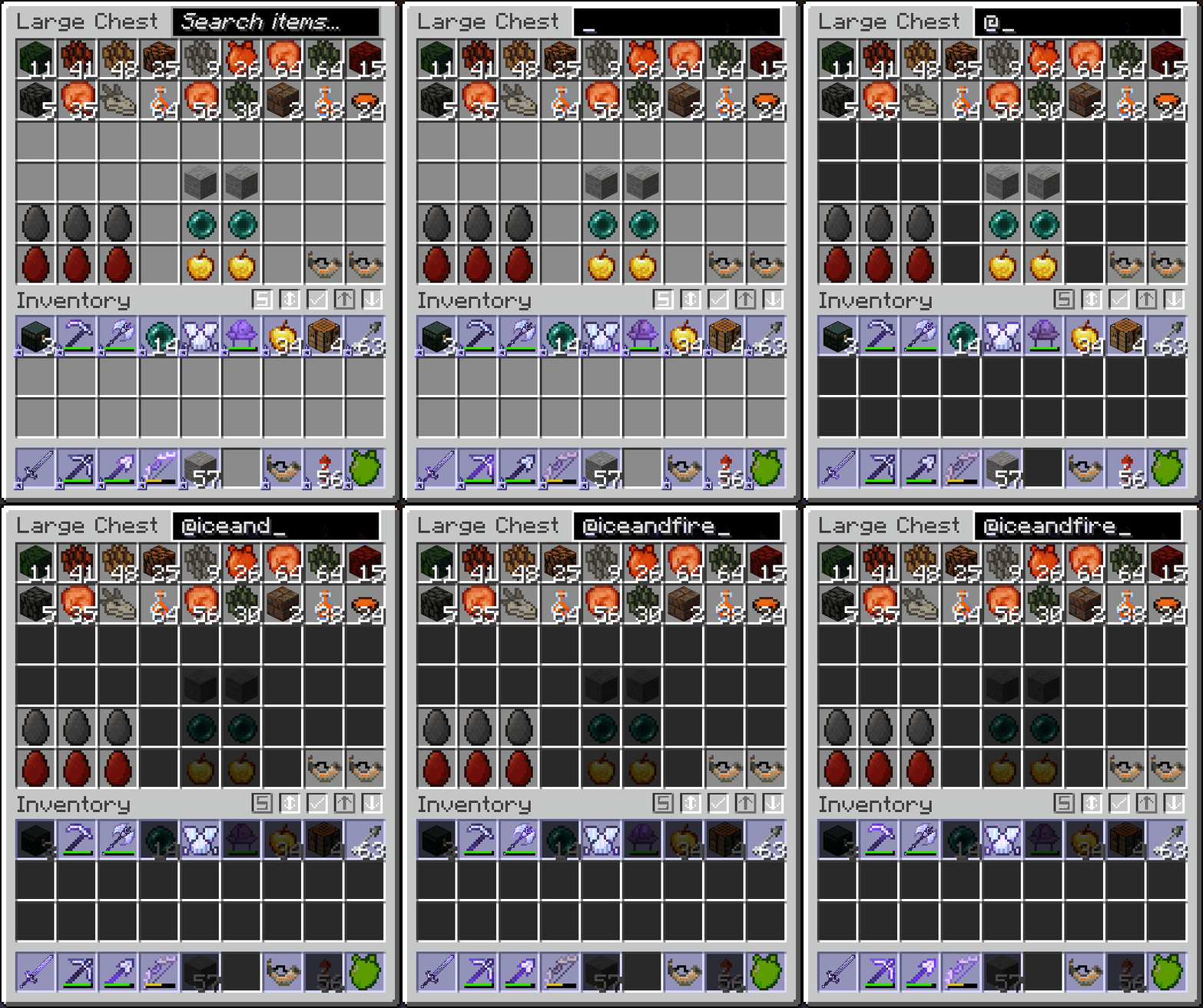

-
Quickly transfer items from inventory → container, and vise-versa
-
Fully client-side container filtering by adding your filtered items into a container GUI
-
Lock slots, to prevent them from being affected by transferring, dropping or sorting (ALT + MIDDLE CLICK)
-
Lock your inventory to prevent items from being picked up
-
Quick move one item out of a stack by scrolling (hold SHIFT to drop, and scroll to increase/decrease amount)
-
Move only matching items and fill stacks
-
Sort alphabetically, by item tag, ascending/descending, or by the creative menu order
-
Quickly drop items (CTRL + ALT + Q)
-
And more!
-
Fully configurable in the mod's
Managementtab 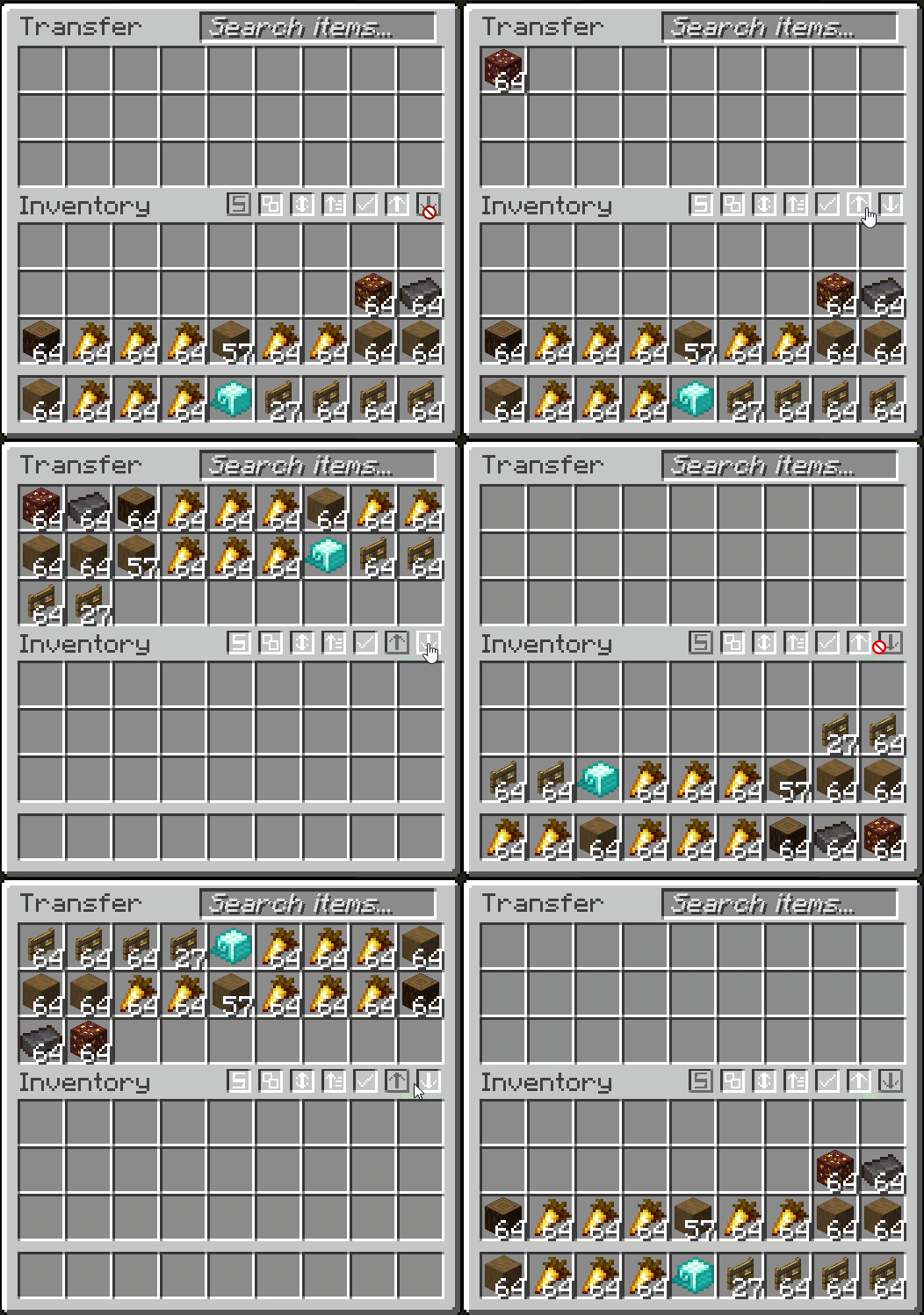 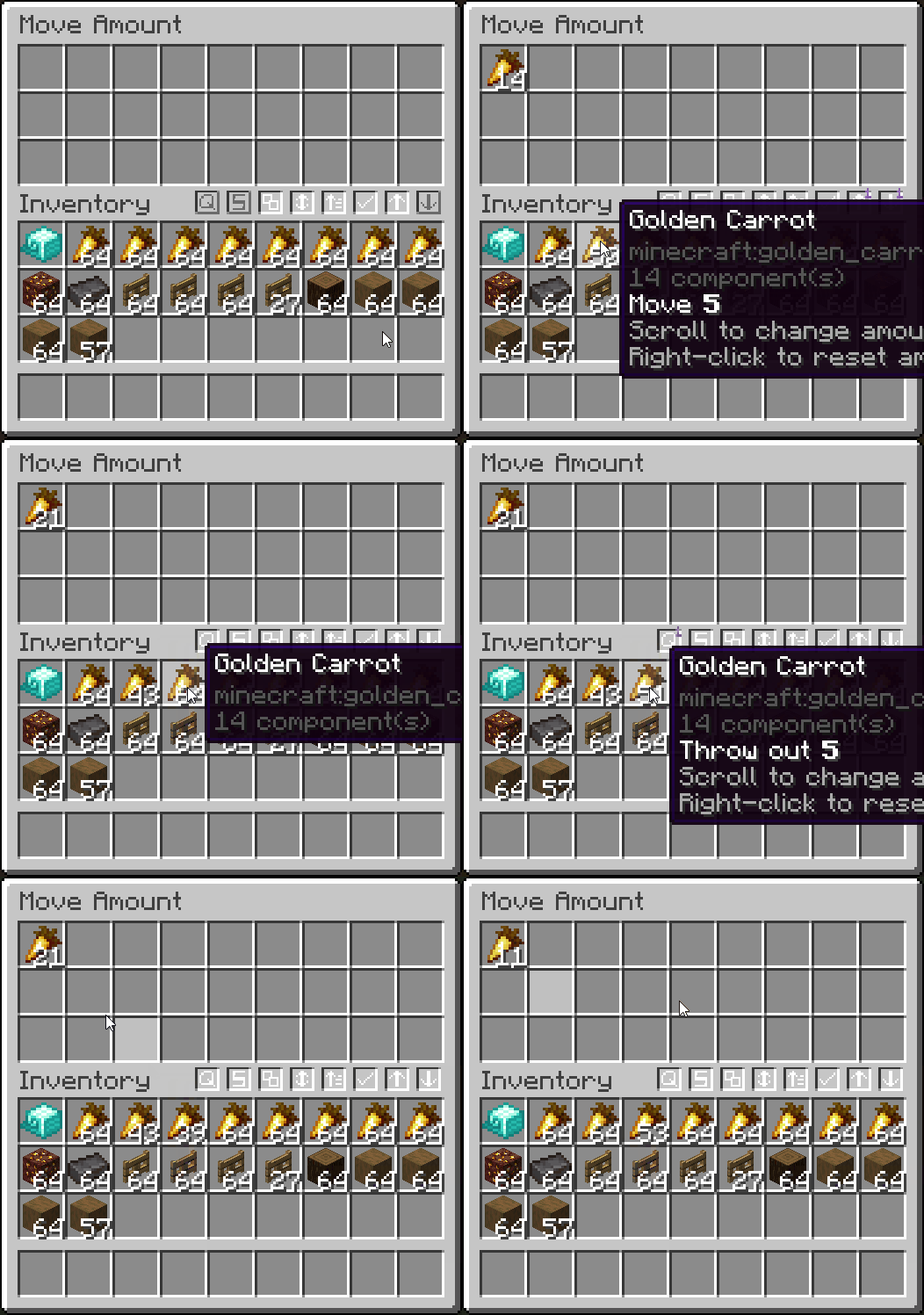 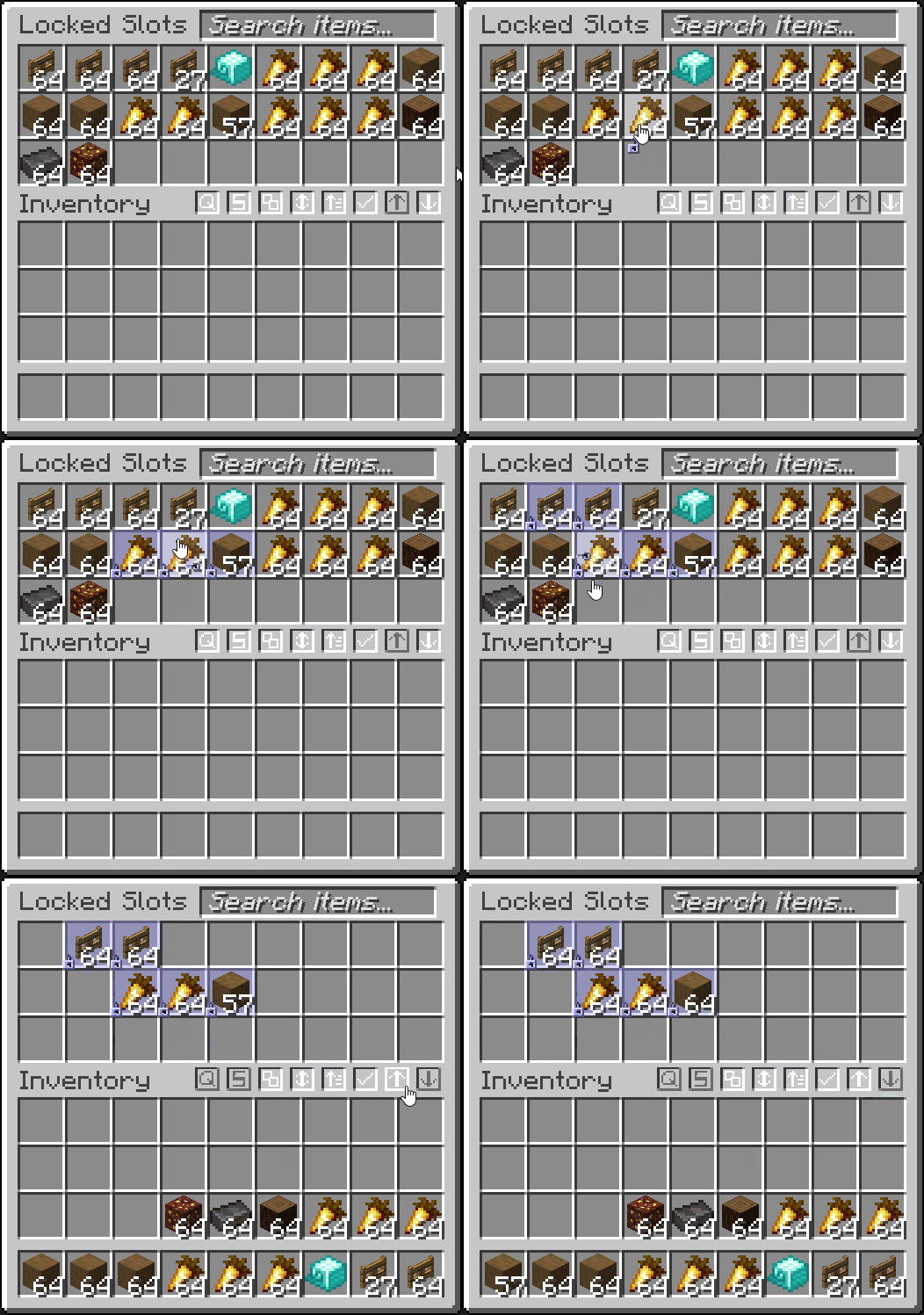 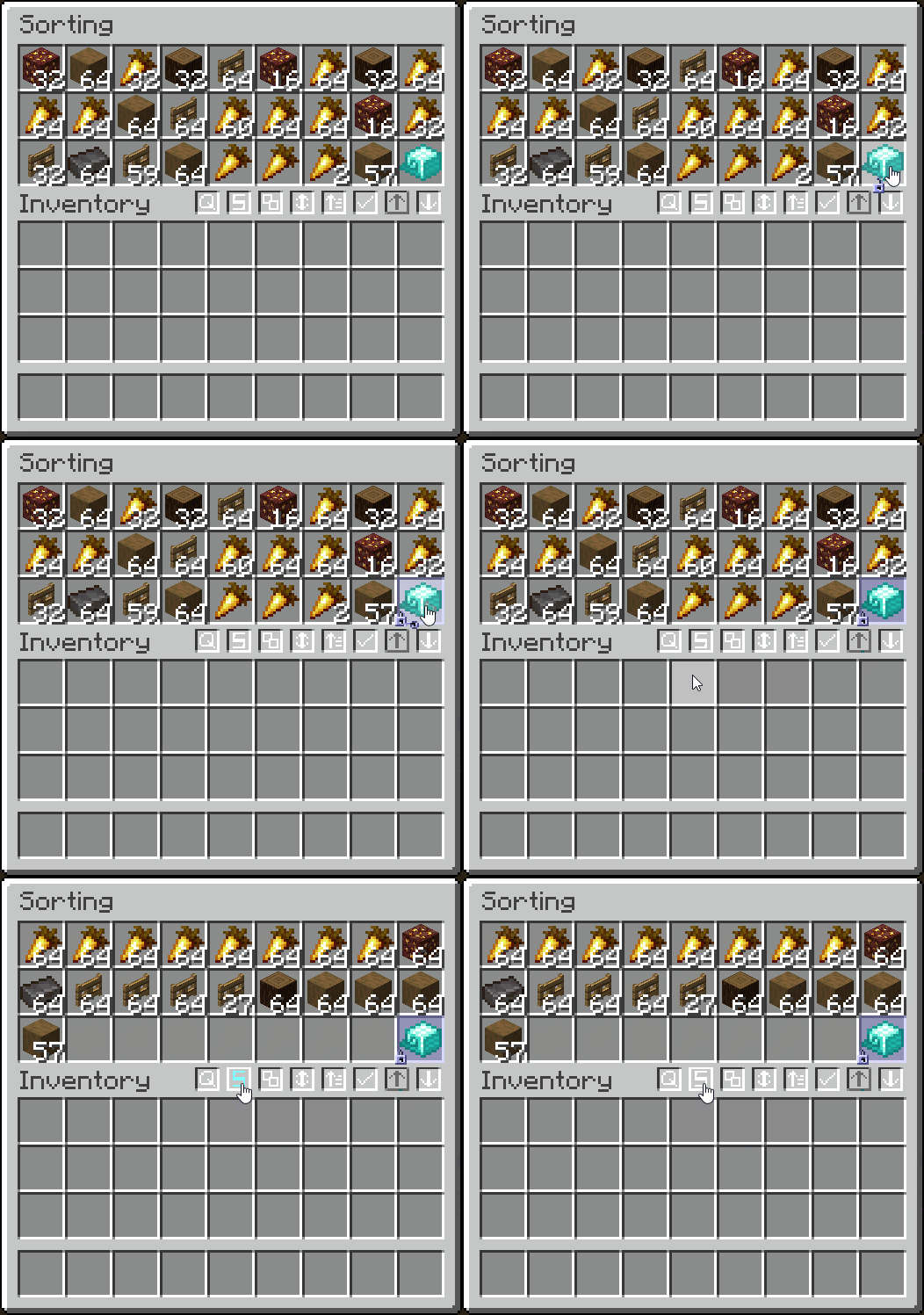 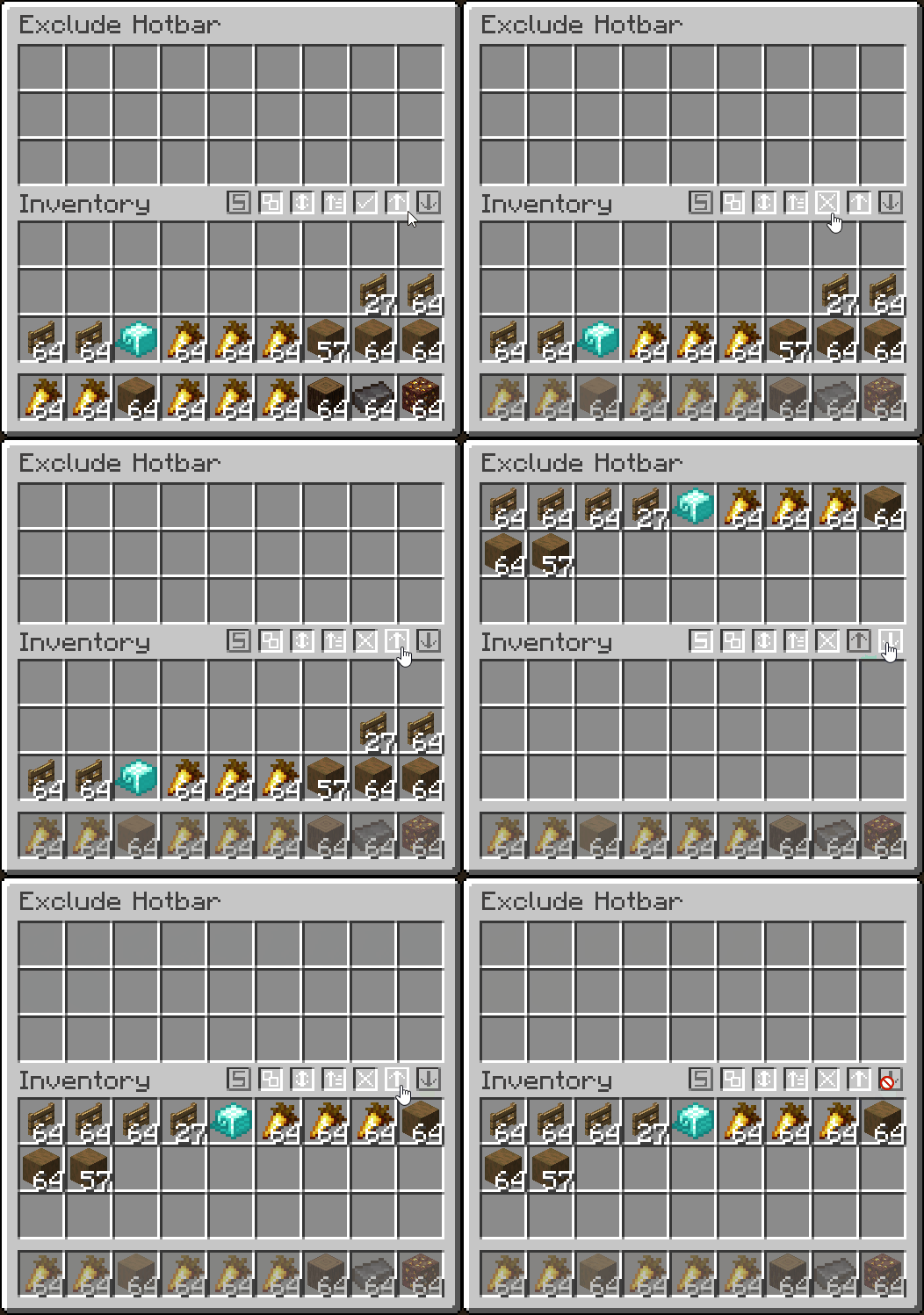 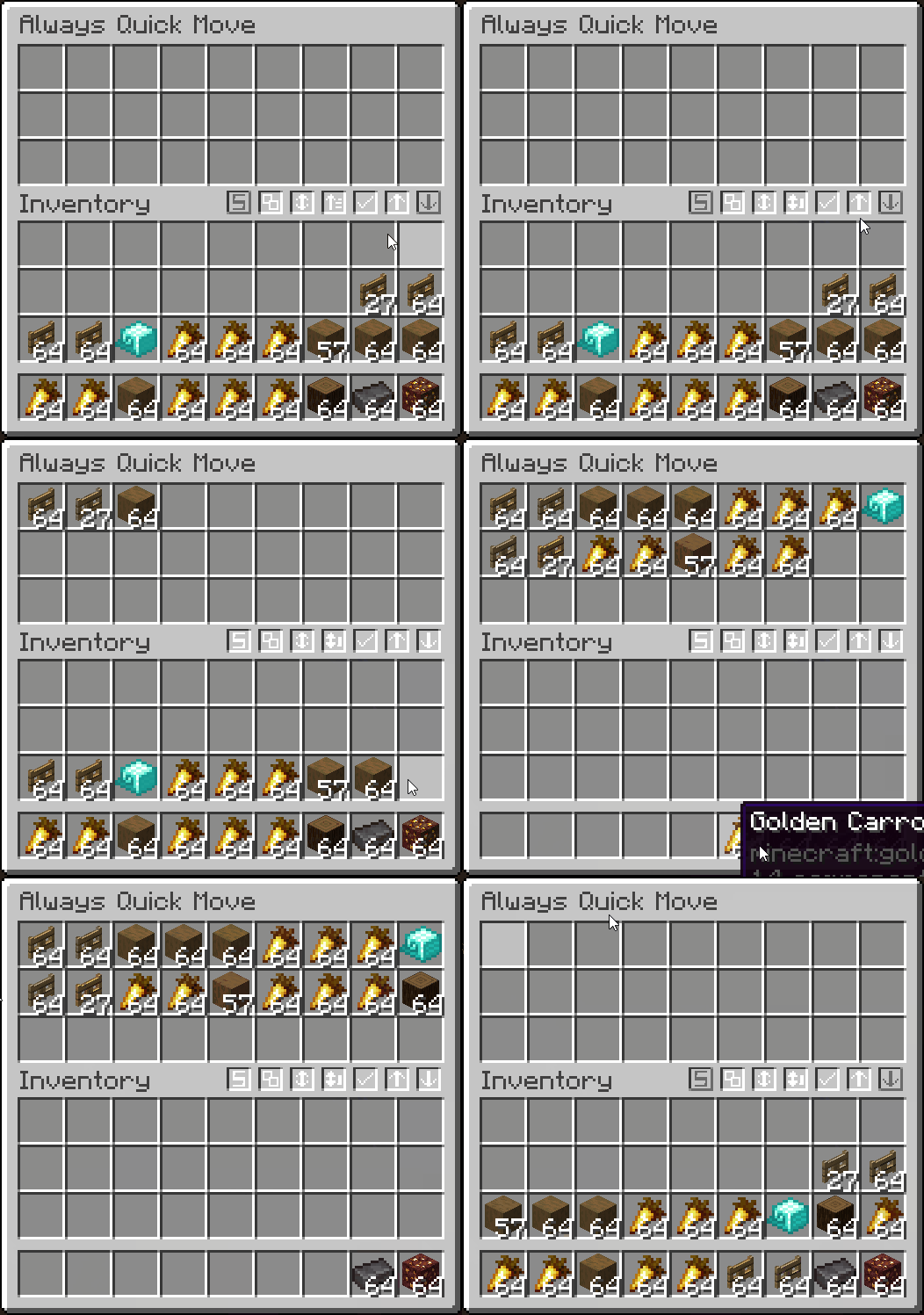 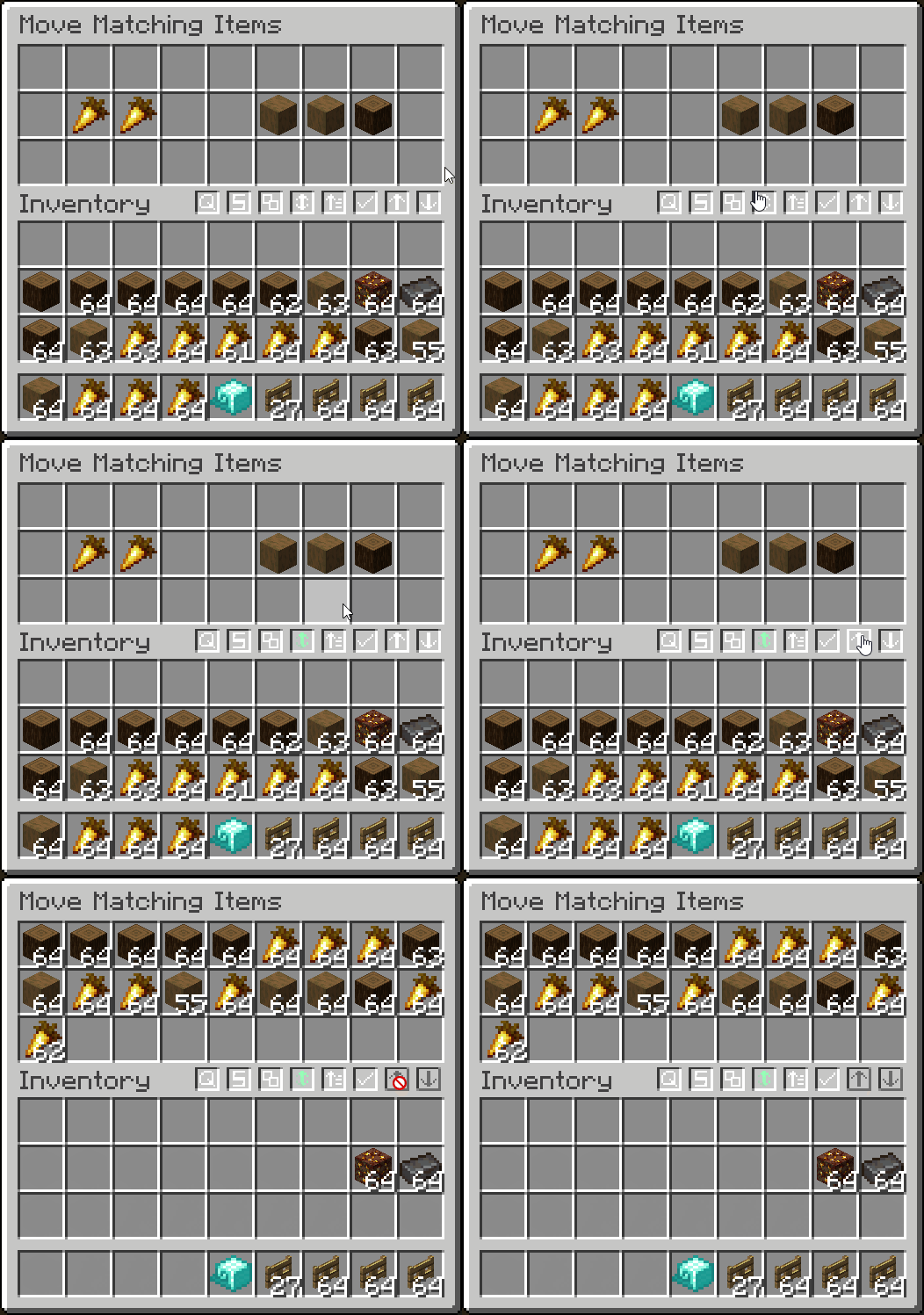 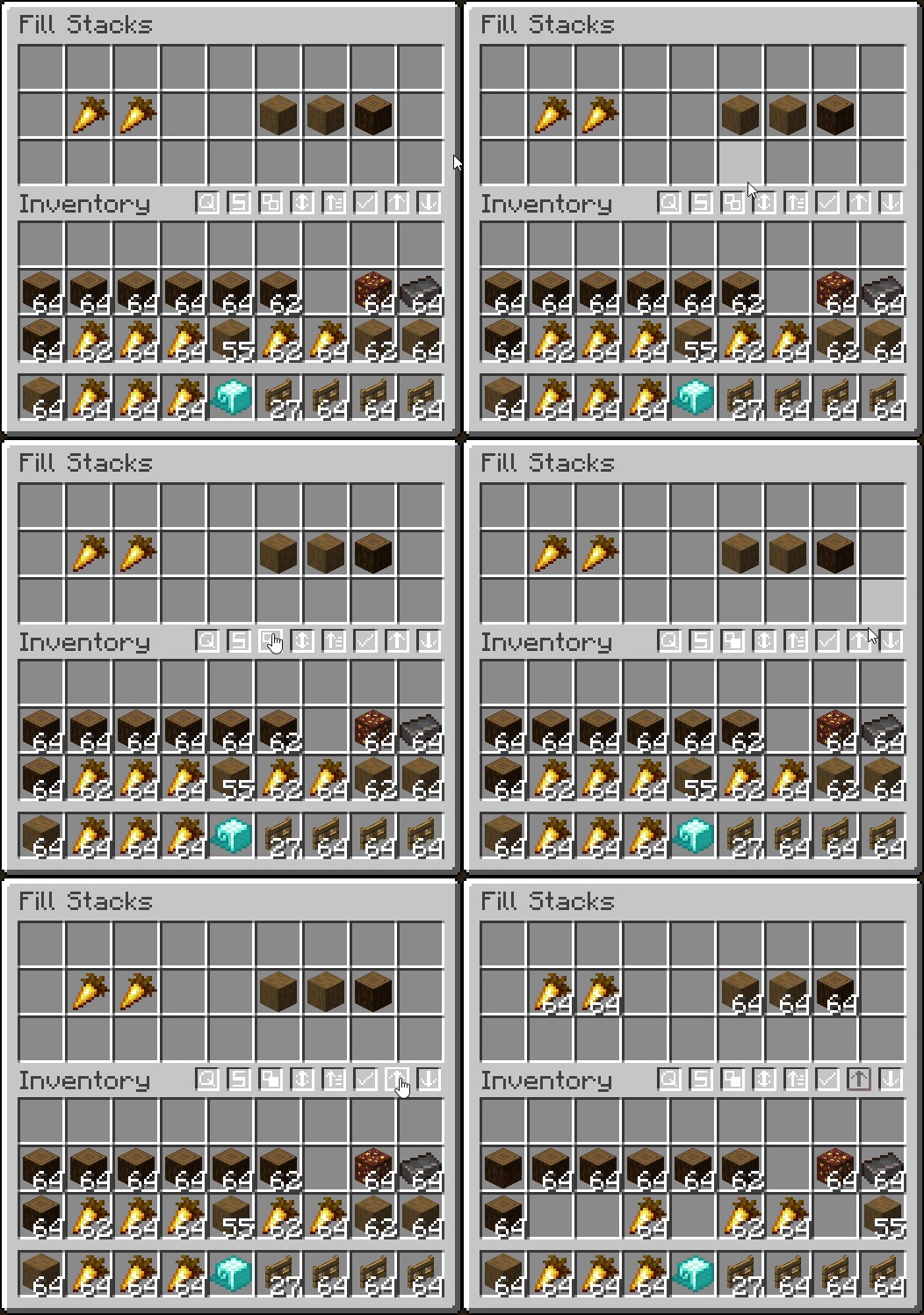 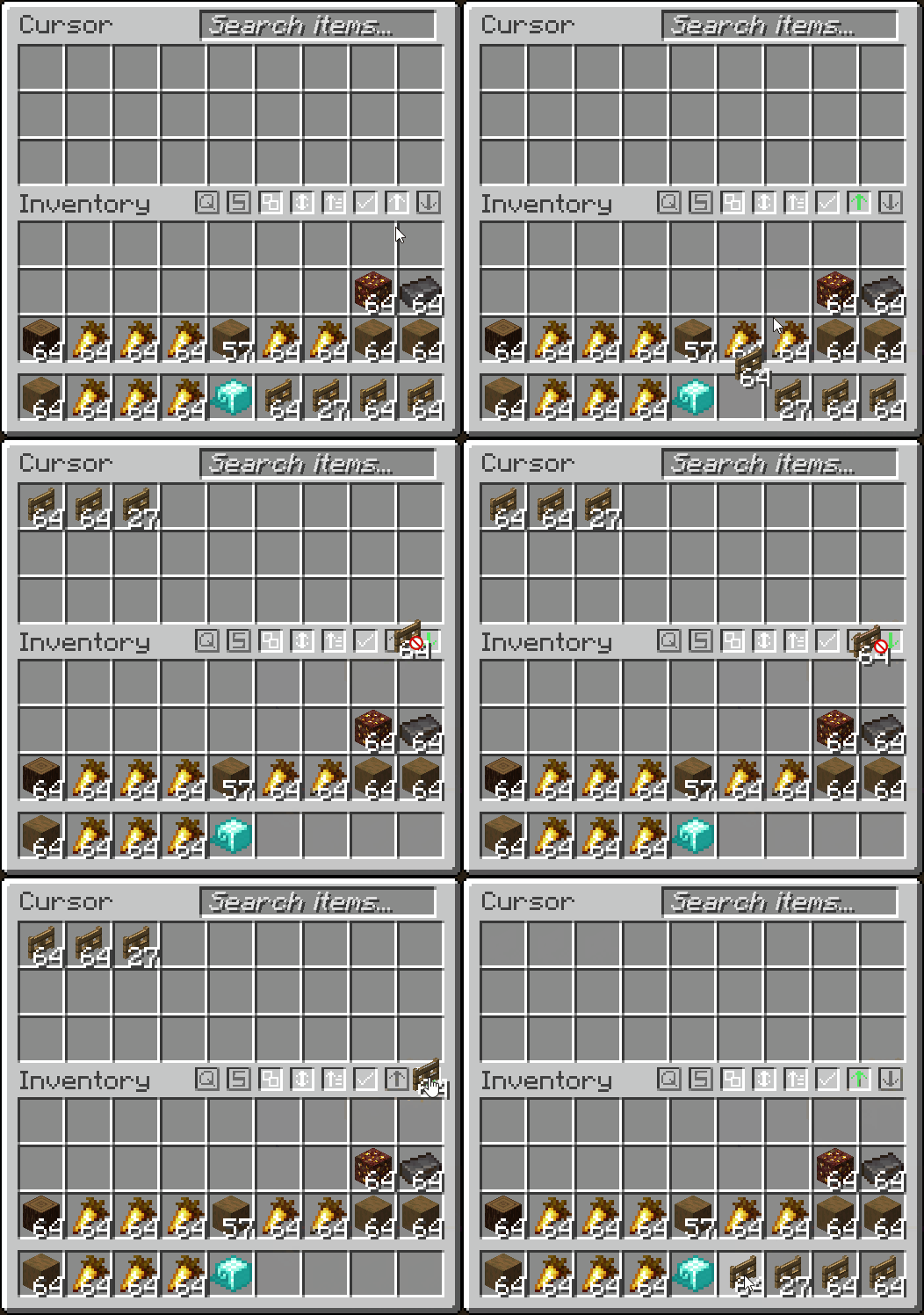 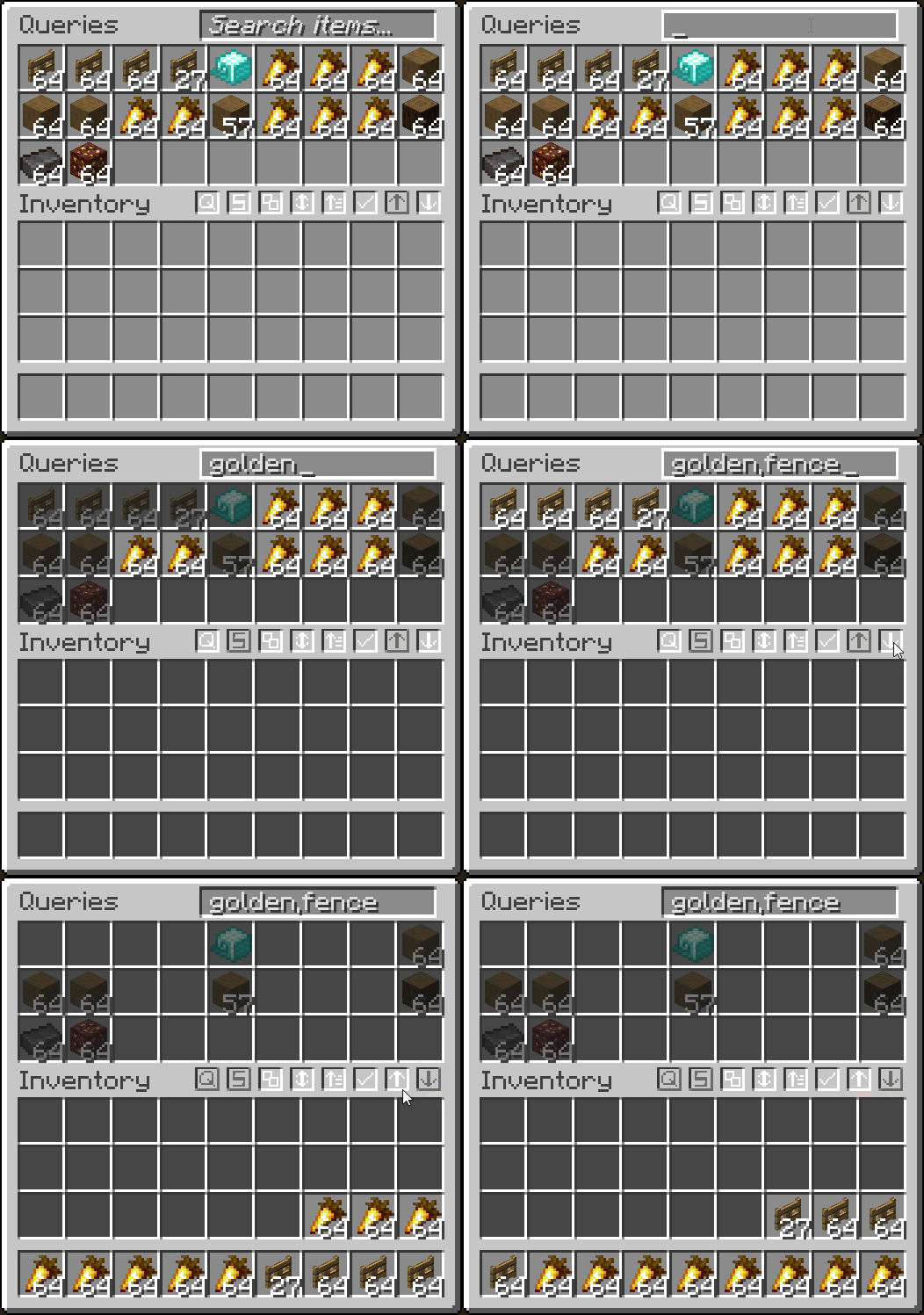 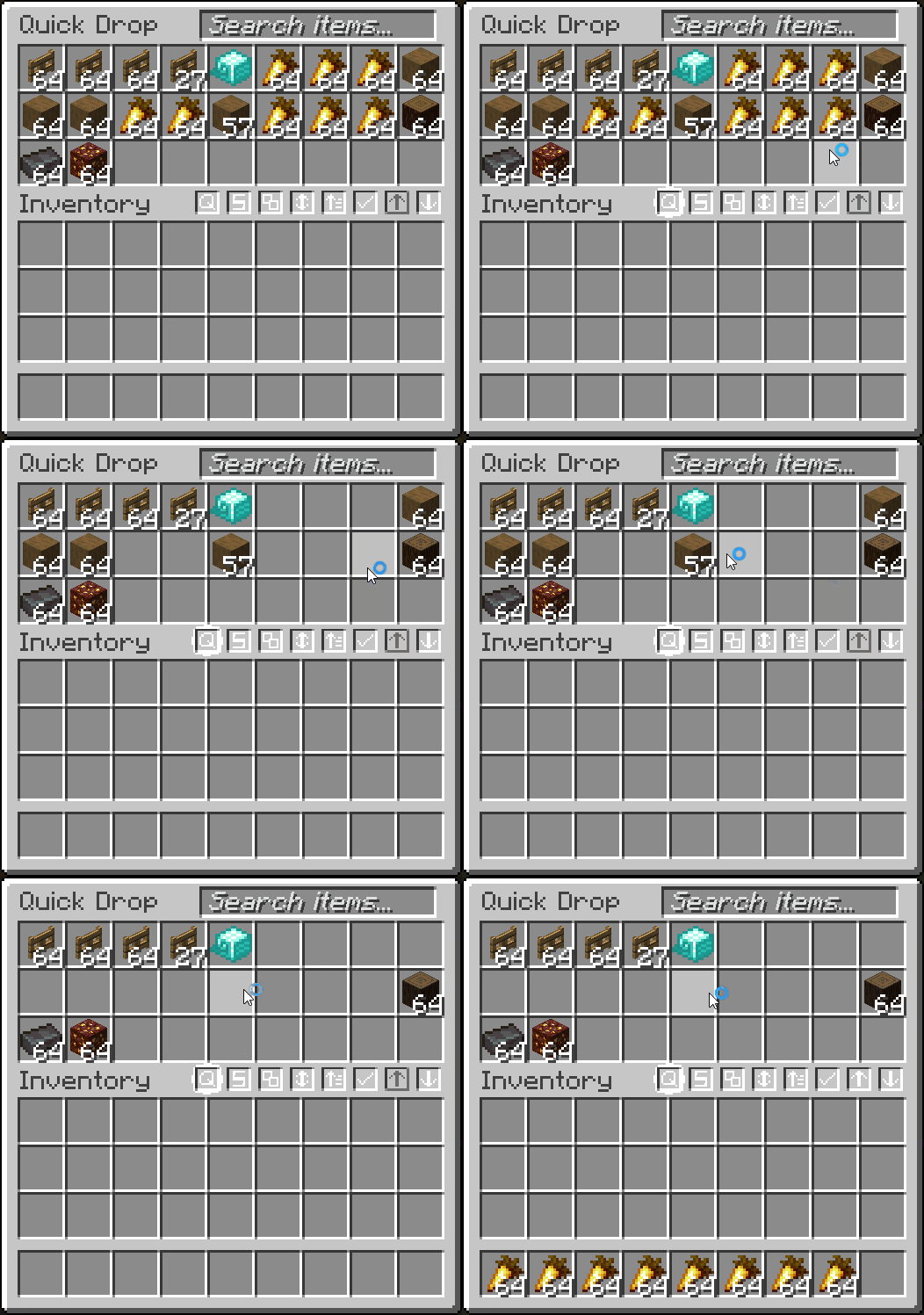 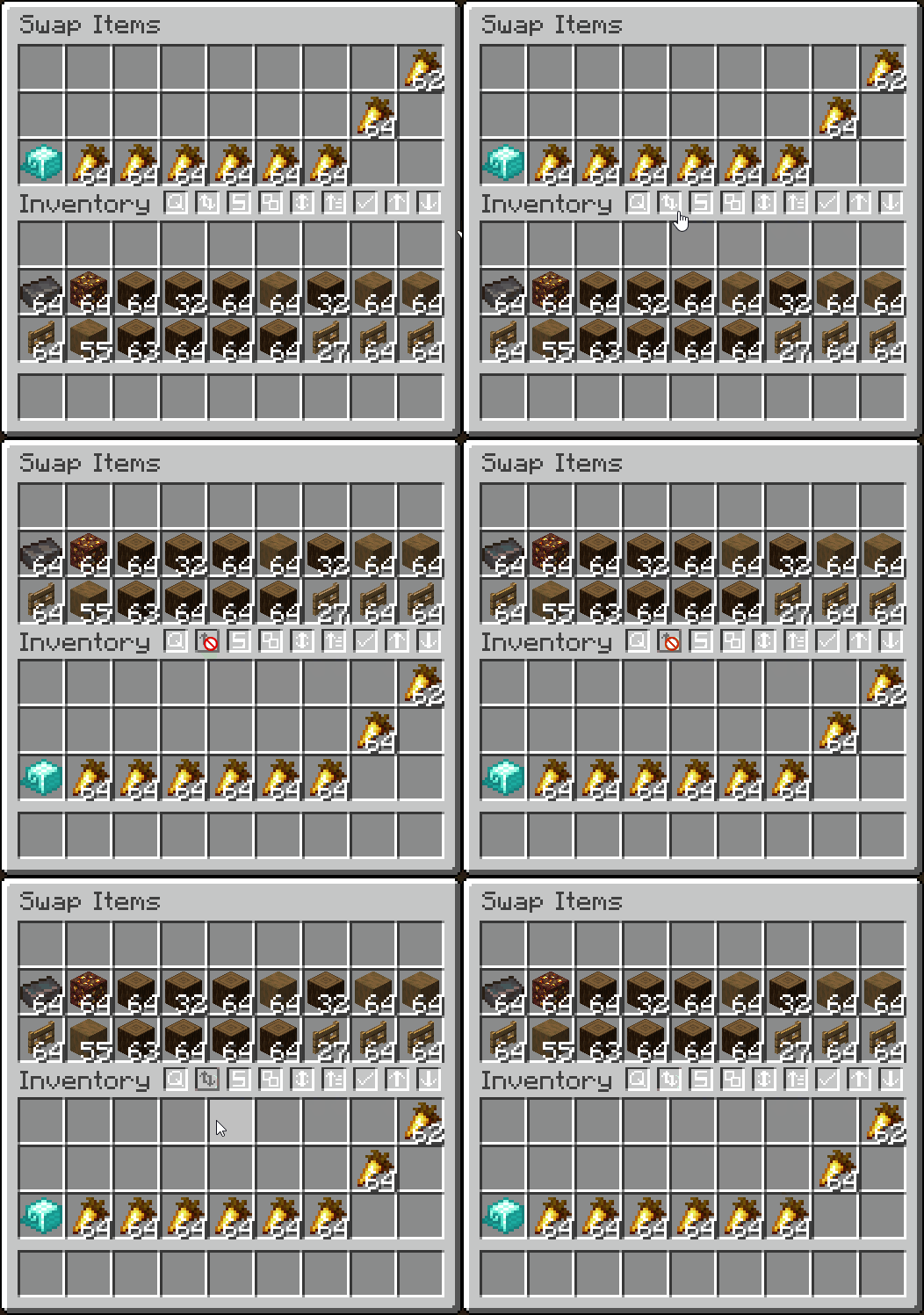 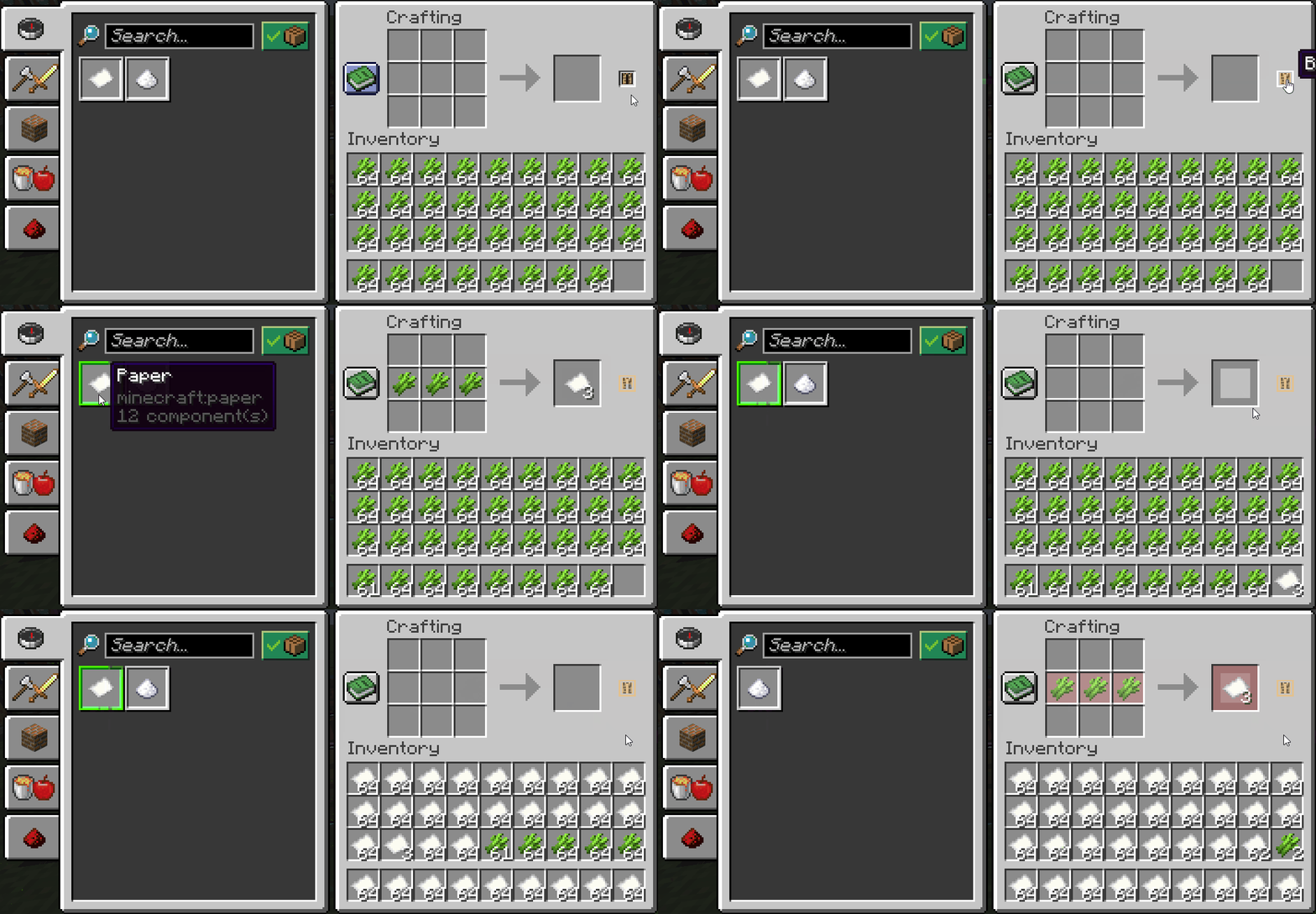 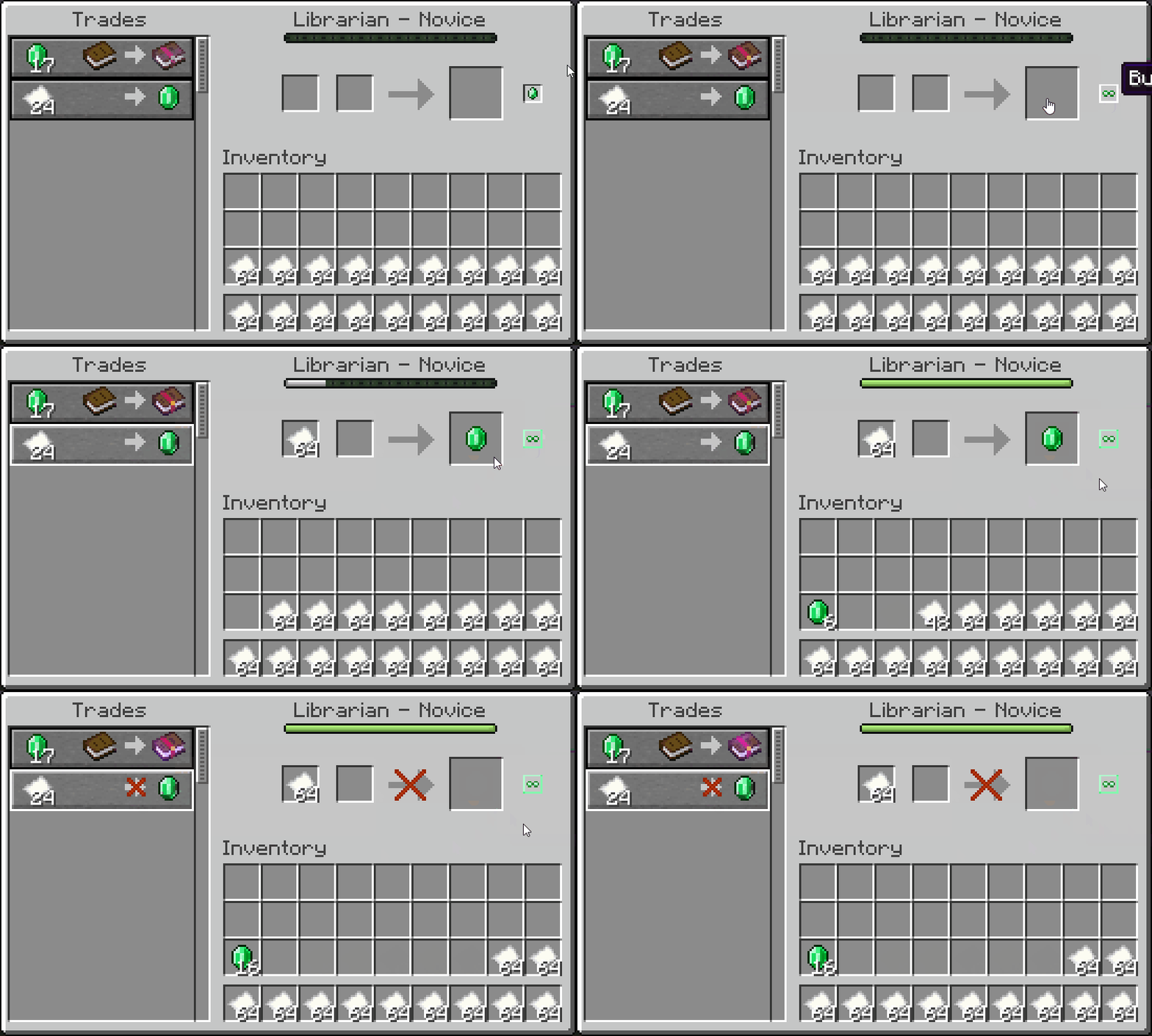

-
Display the total count of an item you are holding (in stacks or just exact amount, configurable)
-
Counts contents inside transportable containers
-
Shows arrow count when using a bow
-
Shows when throwing/picking up an item
-
Configurable in the mod's
Item Countertab 

-
Display your armor's status in-game
-
Option to always display or only when updated
-
Highlights with a color, depending on armor durability (configurable)
-
Configurable in the mod's
HUDtab

-
Search for an item in all nearby item frames
-
Search different radiuses, with timers to remove glow
-
Configurable in the mod's
Searchingtab

-
Set what can change your FOV
-
Toggle sprinting, potion effects, flying, bow pulling, and submerged in fluid to change FOV
-
Configurable in the mod's
FOV Effectstab

-
Plays the "player hit" sound when hitting a mob from at least 15 blocks away
-
Plays the "level up" sound when killing a mob
-
Configurable in the mod's
Miscellaneoustab

-
Plays an alarm when you fall far enough without an elytra equipped
-
Configurable in the mod's
Miscellaneoustab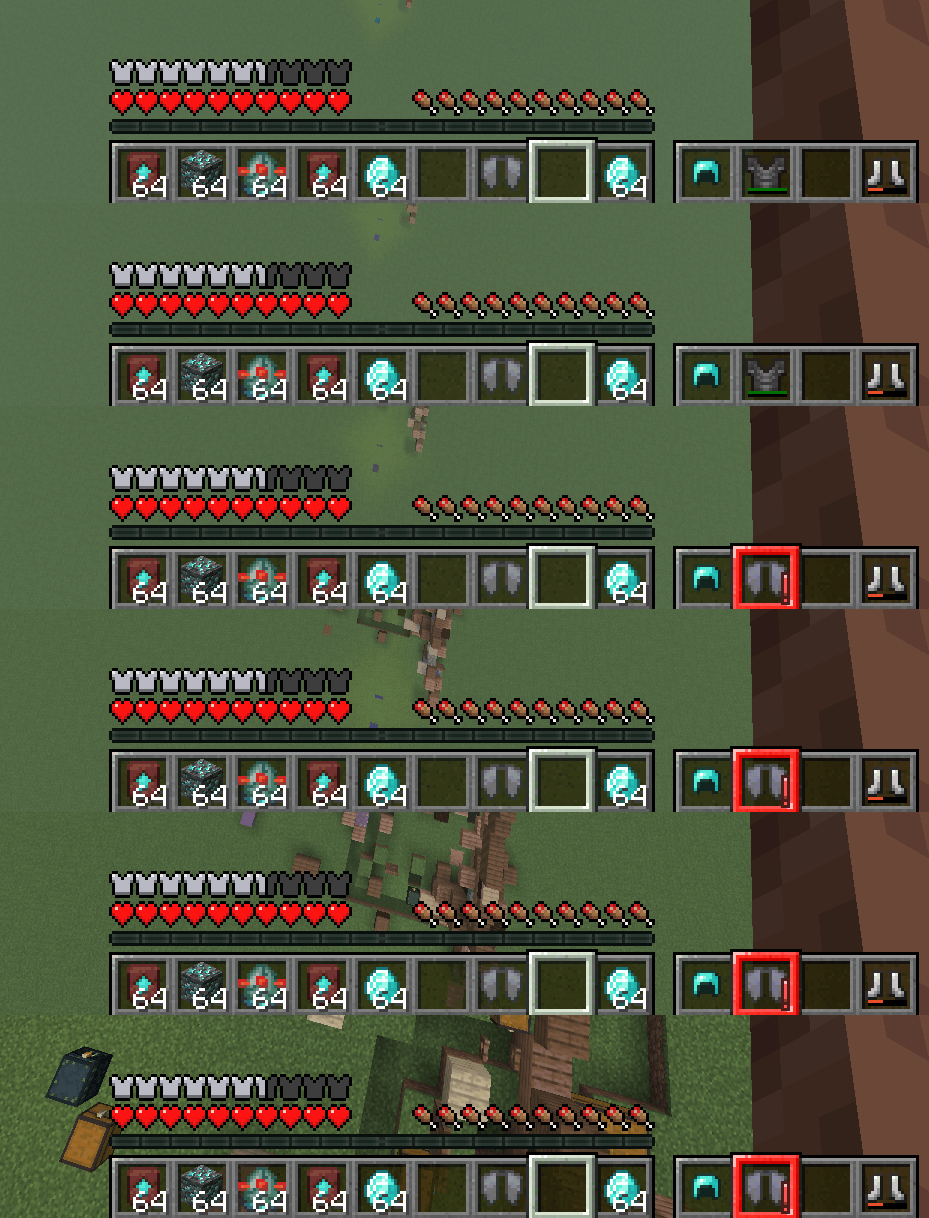
Other Features
### 🎨 Configurable Themes
-
Configure Quality of Queso widgets to use a vanilla theme, dark theme, or transparent theme
-
Works really well with VanillaTweaks dark and transparent theme
-
Configurable in the mod's
Generaltab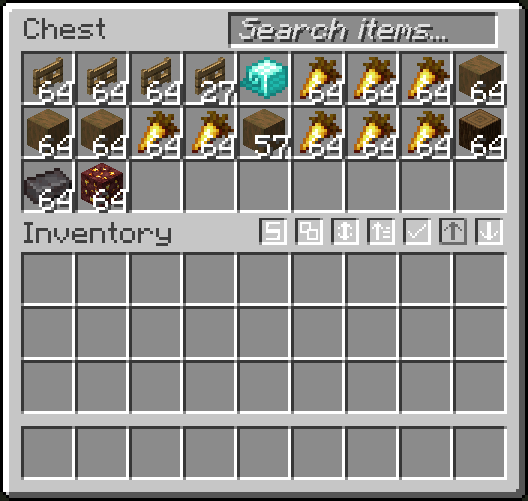 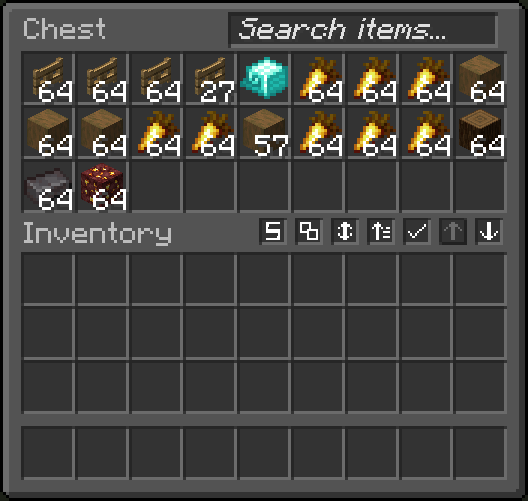 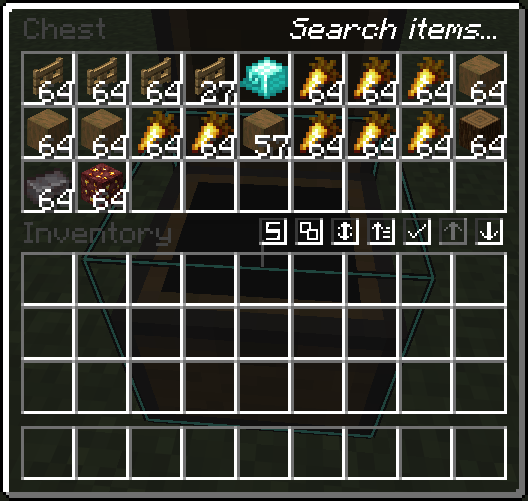
### 🚨 Enchantment Helper
-
Displays what items enchanted books can be applied to
-
Configurable in the mod's
GUI (or Miscellaneous)tab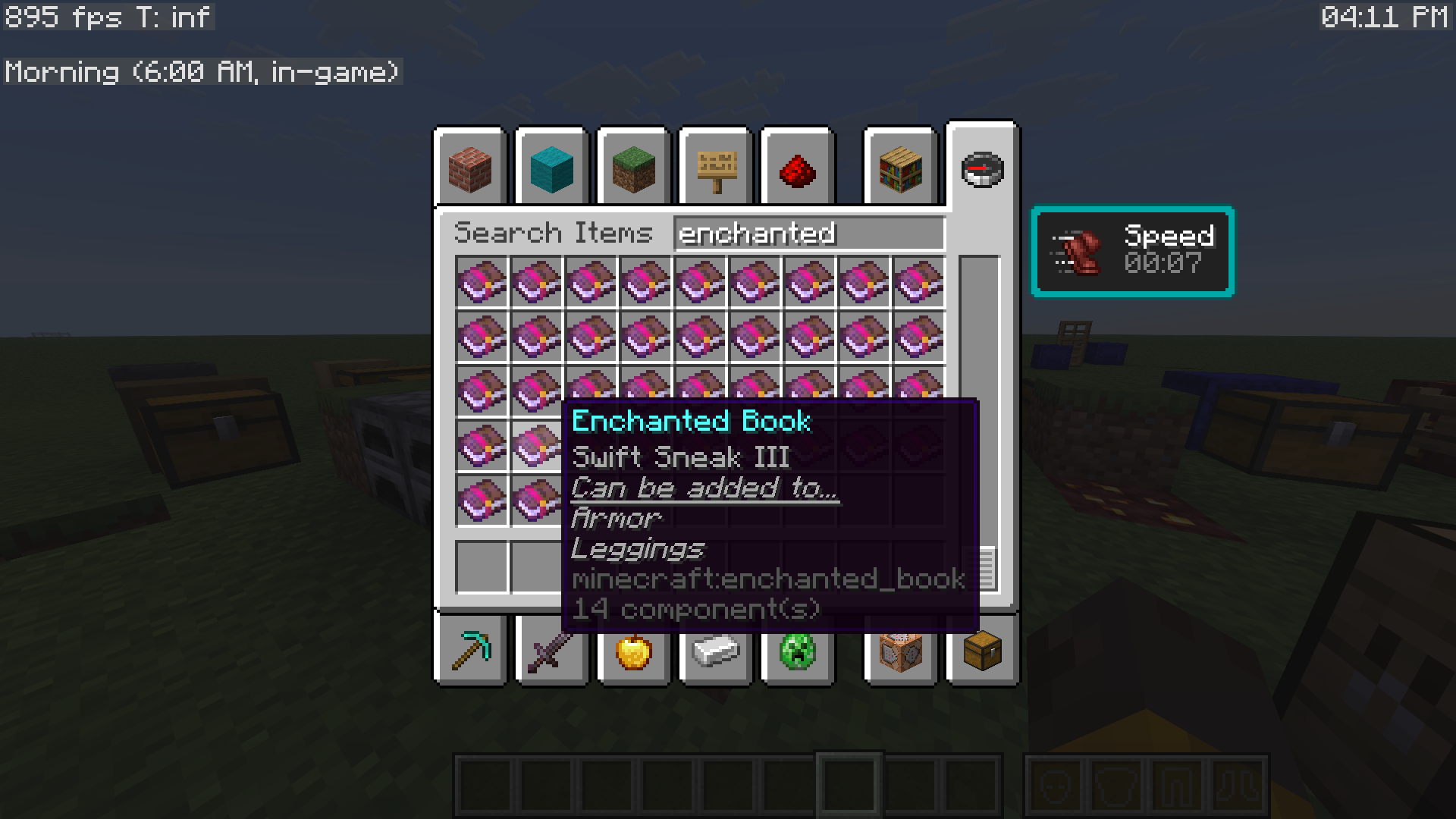
### 🛡️️Enhanced Durability Tooltips
-
Colors durability tooltips with different display settings
-
Configurable in the mod's
GUItab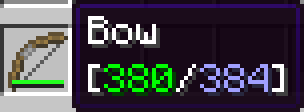
### 🖱️Enhanced Cursor
-
Enhances the cursor by relating it to things you are doing
-
Configurable in the mod's
GUI (or Miscellaneous)tab
### 🌙 Visual Time
-
Allows you to change the client-side time, as a visual effect
-
Configurable from the mod's
Main menu
### 🕒 Display Local Time
-
Display your local time, in-game
-
Display the world's in-game time, with descriptions of what time of day it is
-
Comes with other helpful things to display, using Minecraft's debug entries
-
Configurable from the mod's
Main menu
### 🖌️ Red Armor Tint
-
Brings back Minecraft's old red armor tint when the player takes damage
-
Configurable in the mod's
Miscellaneoustab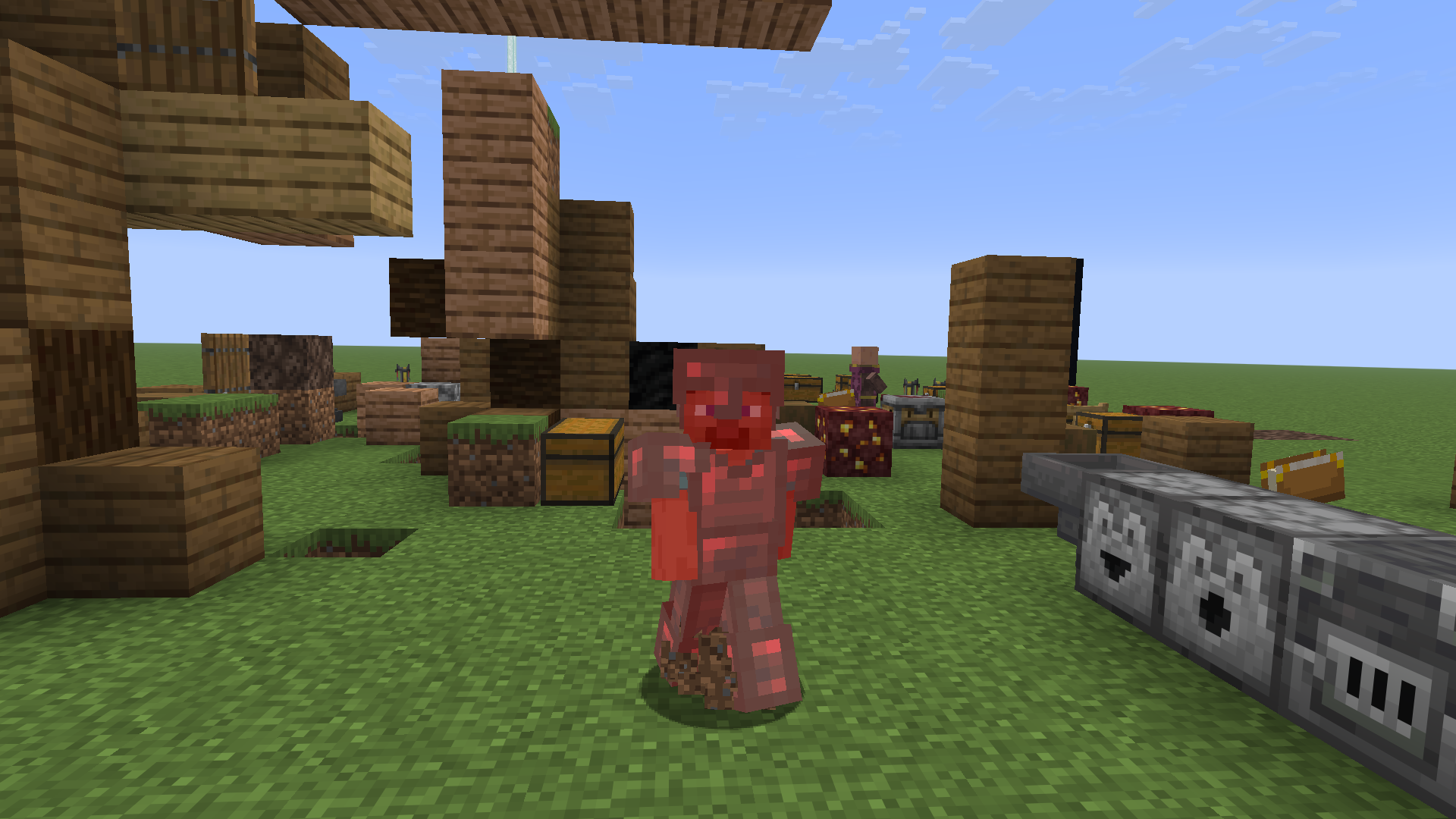
### ☁️ Remove Fog
-
Remove Minecraft's annoying fog with the click of a button!
-
Set nether fog intensity and overworld fog intensity
-
Configurable in the mod's
Fogtab 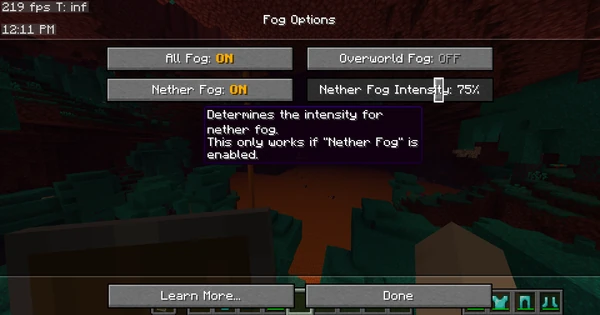
### 🔔 Armor Ding
-
Plays a ding sound whenever your armor gets low
-
Configurable in the mod's
Miscellaneoustab
### 🚫 No Recipe Book Shift
-
Prevents the recipe book from shifting the inventory screen over
-
Configurable in the mod's
GUI (or Miscellaneous)tab
### 🔄 Auto-Close Recipe Book
-
Automatically close the annoying recipe book when closing your inventory
-
Configurable in the mod's
GUI (or Miscellaneous)tab
### 🔎 Quick Searching
-
Type anywhere on your screen to auto-focus into a search bar
-
Works with creative menu search bar, recipe book search bar, and the mod's search bar
-
Configurable in the mod's
Searchingtab
### ᯓ★ Quick Equip
-
Right-click an armor item to swap it out with whatever you're wearing
-
Configurable in the mod's
Management (or Miscellaneous)tab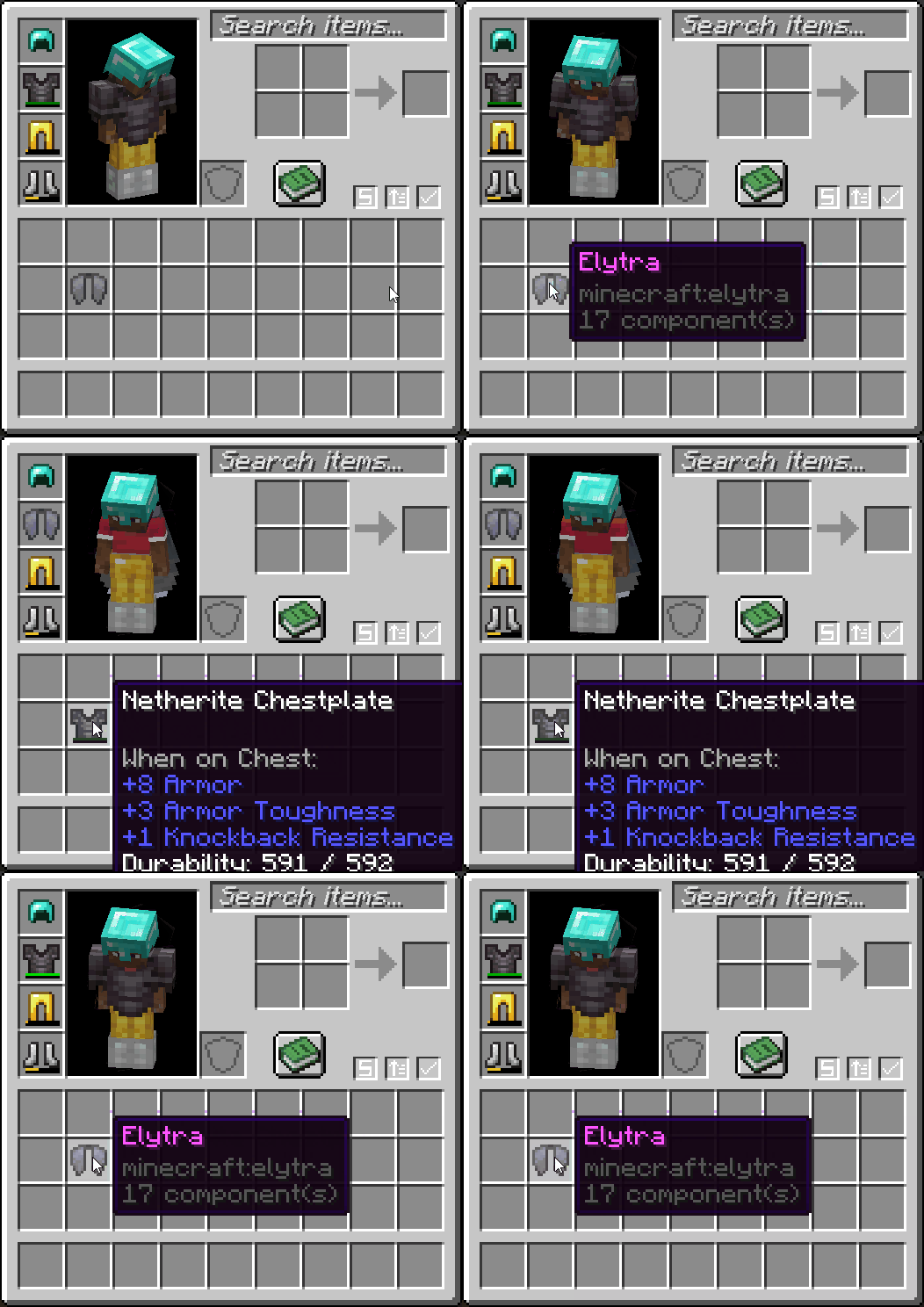
### ᯓ➤ Quick GUI Exit
-
Click anywhere out-of-bounds of a GUI to close it
-
Configurable in the mod's
GUI (or Miscellaneous)tab
### 😡 Anti-Rage Quit
-
Prevents the player from quickly pressing leaving a world or server
-
Configurable in the mod's
GUI (or Miscellaneous)tab
### 📊 View Last Known Ender Chest
-
Adds a button to the mod's main menu, which lets you view your last known ender chest
-
Configurable via the mod's
Accessibilitytab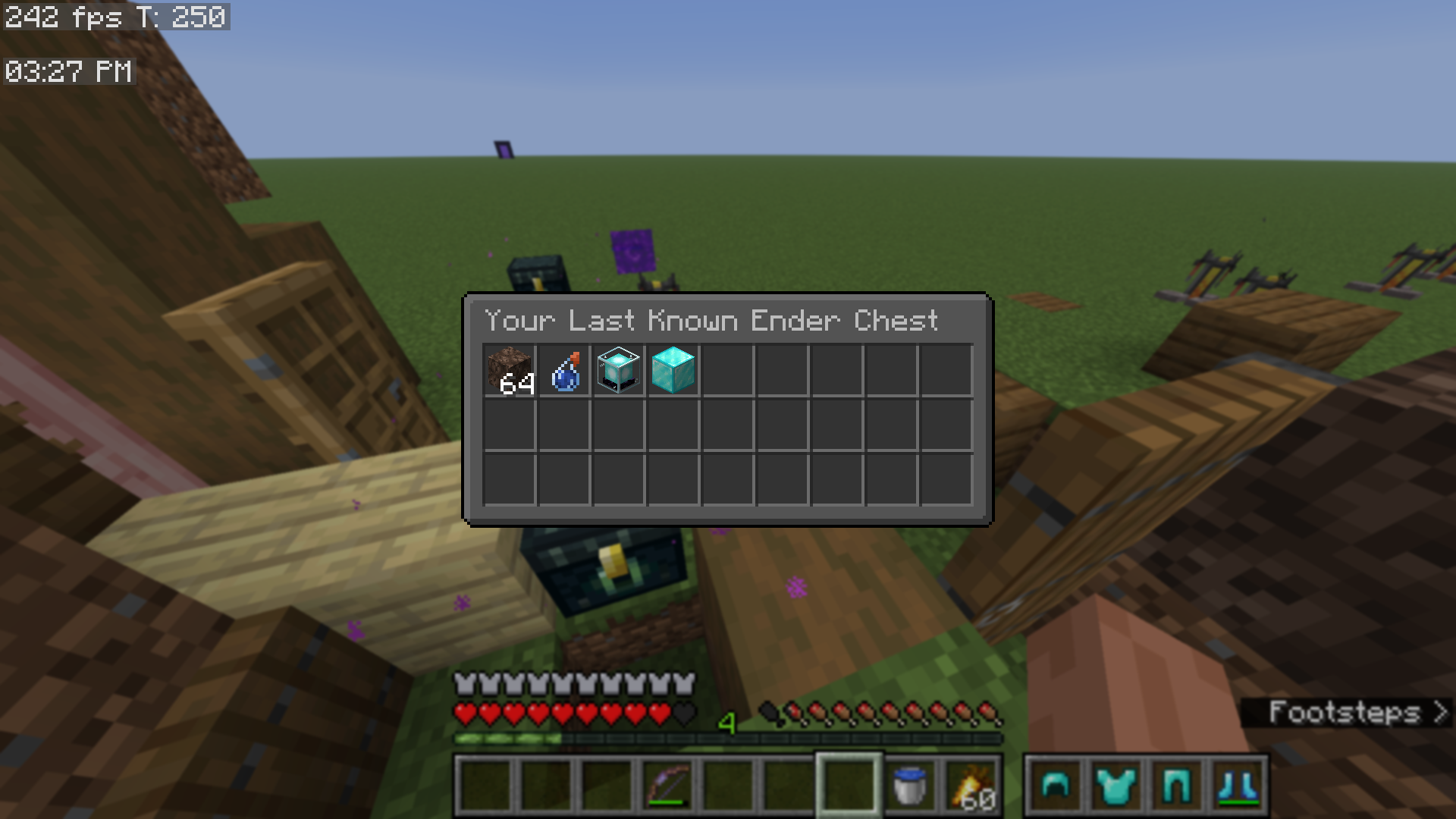
### 🖼️ Open Screenshots Folder
-
Adds a button to open your screenshots folder
-
Found in the mod's
main menu
### 🗃️ Open World Directory
-
Adds a button to open your world directory folder for singleplayer worlds
-
You can also press F4 to open the mod's configuration directory in any of the mod's menu screens
-
Found in the mod's
main menu
### 💾 Multi-Server Configs and Blacklisted Servers
-
Create separate Quality of Queso configurations for each server that you play on
-
Additionally, you can block the mod from working on certain servers
-
Configurable in the mod's
Generaltab
🌐 This mod is mostly client-side. The only features that are server-dependent are:
- Item Frame Searching
- Locking Slots in shulker boxes (locking slots in any other container is 100% client-side and stored per world, per server)
- Filtered shulker boxes
- Locking the player's inventory
⚠️ Older Version Support
➜ Currently, Quality of Queso does support older versions of Minecraft, however, certain features are currently unsupported.
❌ MC 1.21.11 (and below) Unsupported Features
- Fluid FOV Effect
❌ MC 1.21.1 (and below) Unsupported Features
- Red Armor Tint
- Transparent Search Bar
- Overworld Fog Intensity
- Enhanced Cursor
- Darker Overlay setting
- Fading Animations with the armor status
Keybind Modifiers
Created by Dillon8775 and MannyQUESO.
All rights reserved unless explicitly stated.
Some ideas were inspired by other mods, which include:
- Inventory Management and Client Sort (fill stacks feature)
- Quark (armor status and item count)
All management sounds are not mine, they are Mojang's. These include:
- The bundle noises
- The old opening/closing of door sounds (for locking slots)
Gallery
Modrinth modrinth
indexable