
Zoomify (Zoom)
isxander
74,083,982 downloads · 11,177 followers
Minecraft: Minecraft 1.18 – 26.3
Runs on: Client
カテゴリー: utility
Compatibility by loader
- fabric1.18 – 1.21, 26.1 – 26.3· Latest 2.17.0+mc26.2 (2026年10月8日)
- neoforge26.1 – 26.3· Latest 2.17.0+mc26.2 (2026年10月8日)
- quilt1.18 – 1.20· Latest 2.13.3 (2024年4月23日)
Overview

Zoomify




A zoom mod with infinite customizability.
Zoomify aims to provide the easiest, most configurable and most sexy looking zoom mod you will ever find.
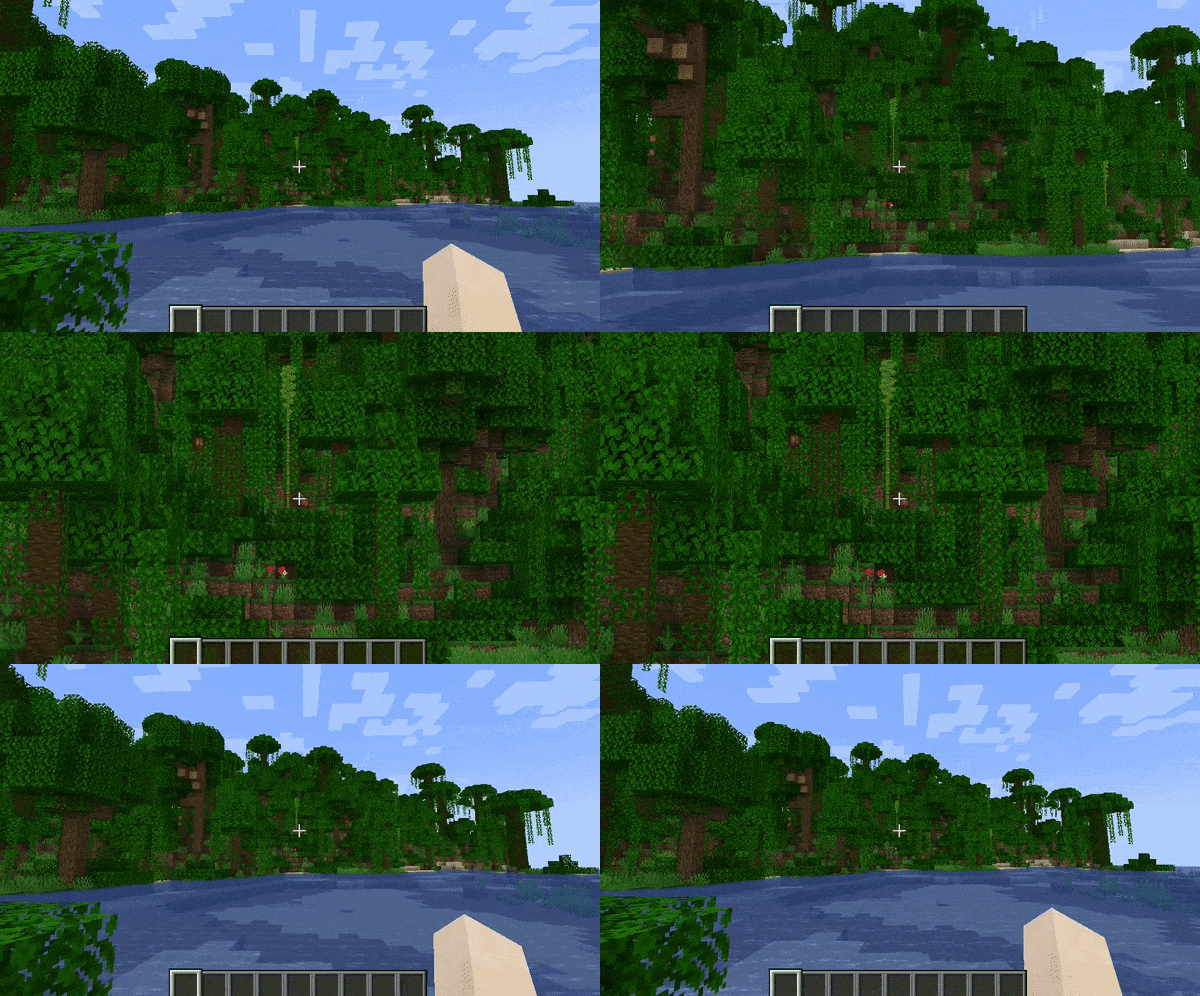

How to use
Keybind
Initially, Minecraft has a keybind that overrides Zoomify by default.
Go to the controls menu and make sure the Zoomify keybind (default C)
isn't conflicting (goes red).
Open settings menu
You can access the settings menu with two ways.
- The client command
/zoomify - Mod Menu settings button
Features
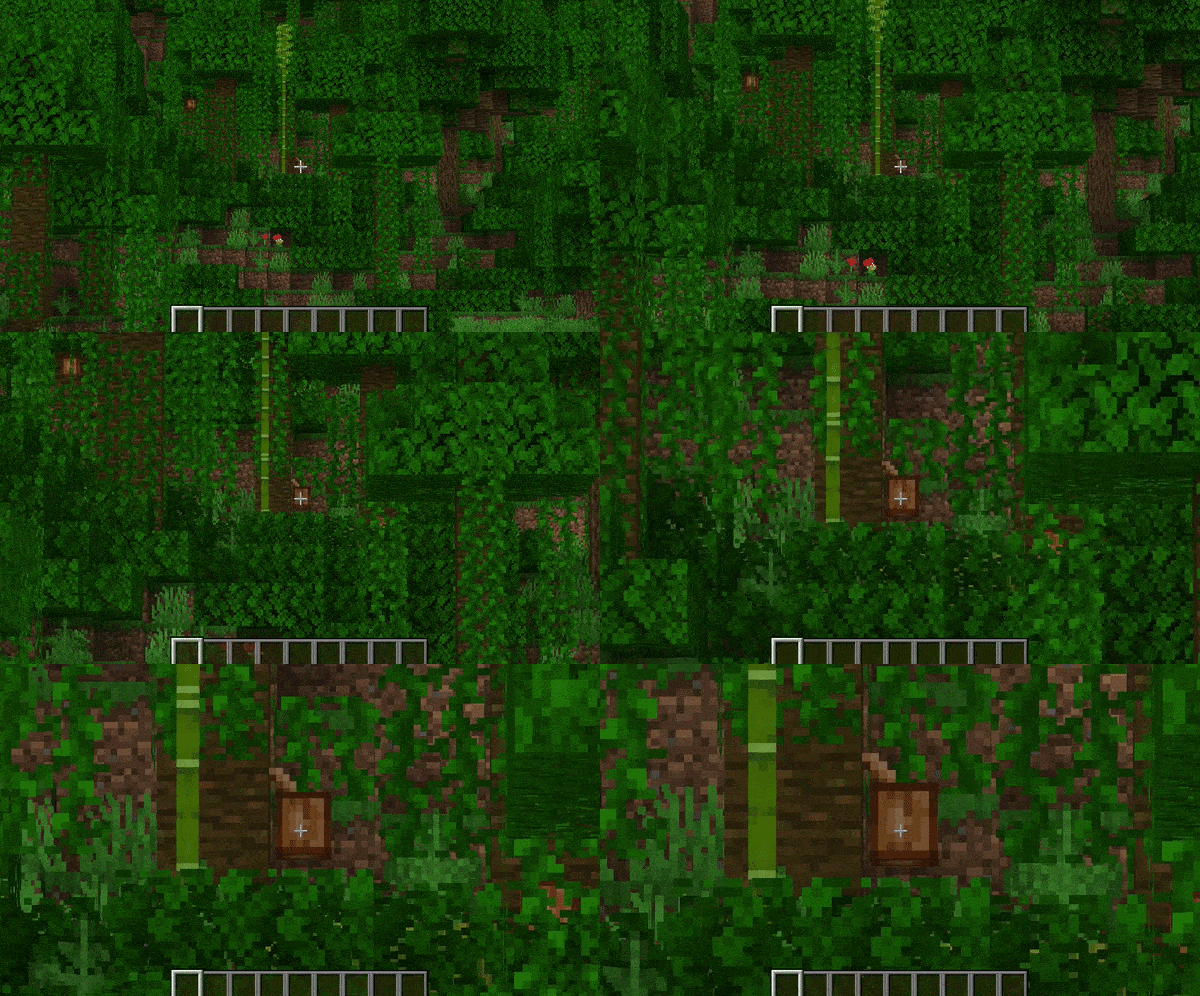
Scroll Zoom
You can zoom in further using your scroll wheel.
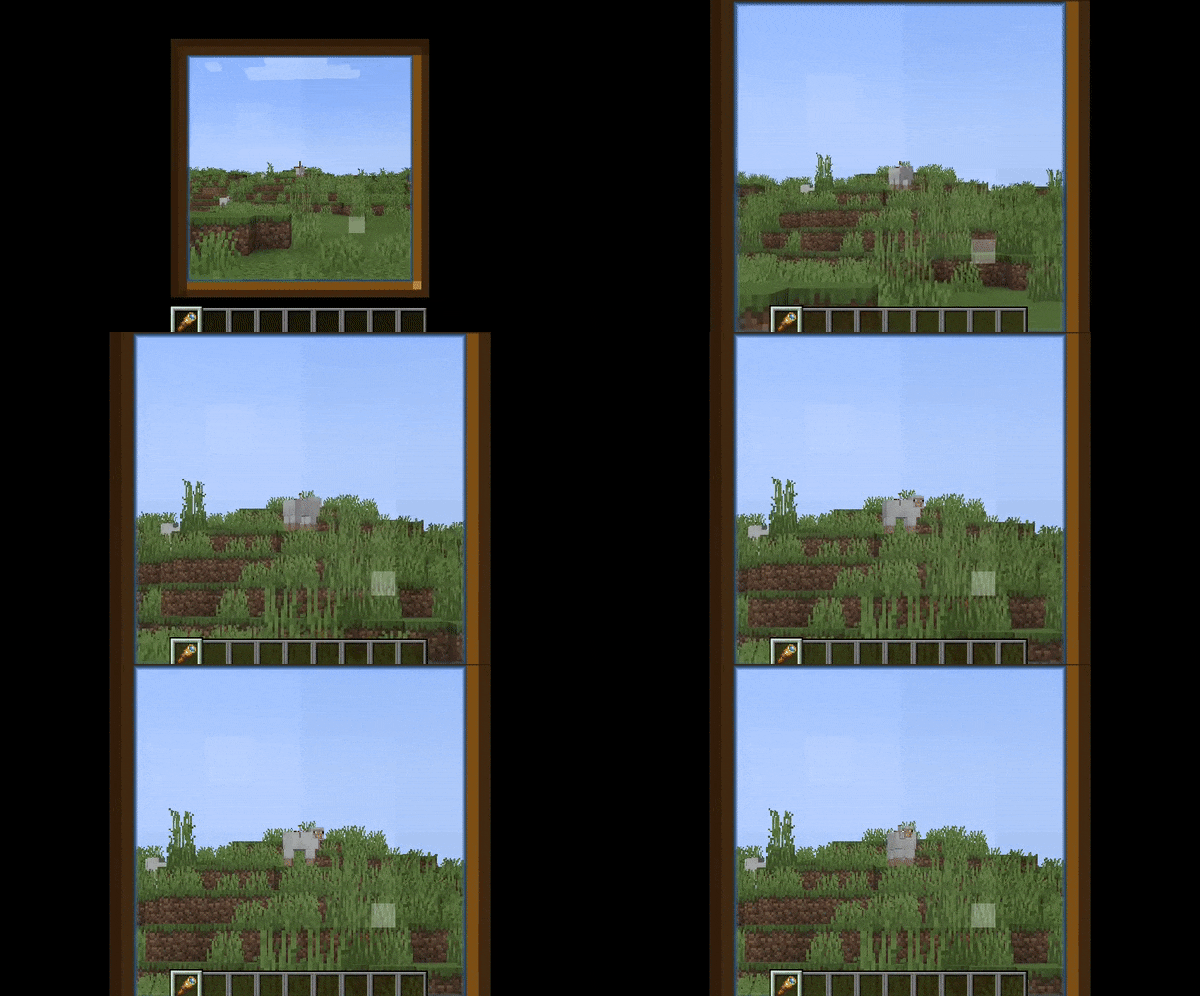
Spyglass Integration
You can configure Zoomify to only be able to zoom in when you are holding or carrying a spyglass. Or even just override the spyglass zoom with Zoomify!
Show the spyglass overlay and play spyglass sound effects when using Zoomify.
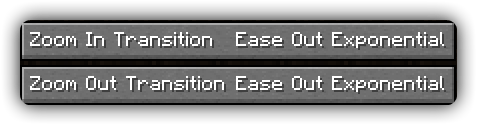
Transitions
14 different transitions to choose from!
- Instant
- Linear
- Ease in Sine
- Ease out Sine
- Ease in/out Sine
- Ease in Quad
- Ease out Quad
- Ease in/out Quad
- Ease in Cubic
- Ease out Cubic
- Ease in/out Cubic
- Ease in Exponential
- Ease out Exponential
- Ease in/out Exponential
You can even pick what transition you would like for zooming in and out individually!
Relative Sensitivity
Reduce your mouse sensitivity based on the amount of zoom, so you have fine control over your player.
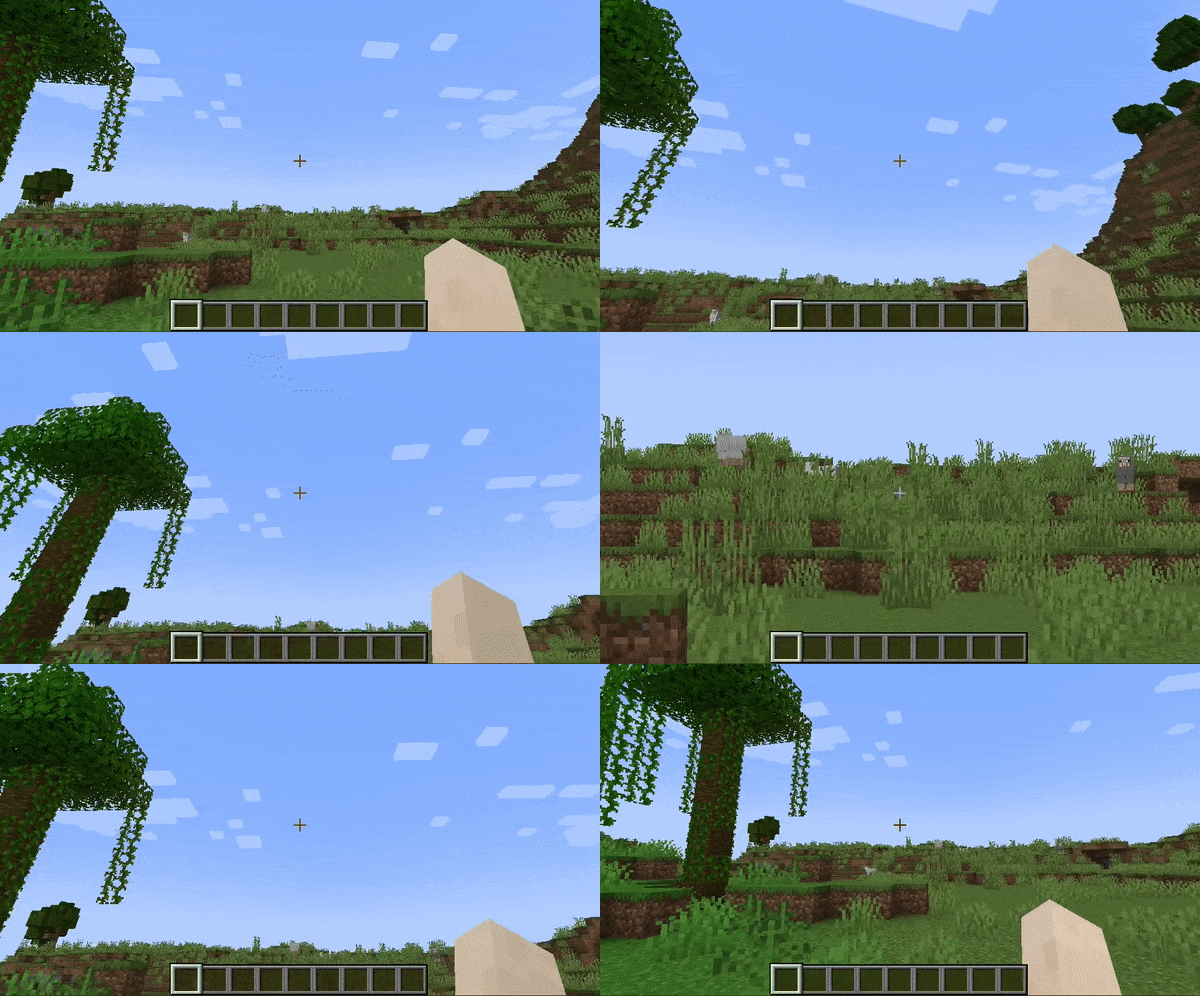
Relative View Bobbing
Reduce the view bobbing effect based on the amount of zoom, so you can walk and zoom at the same time!
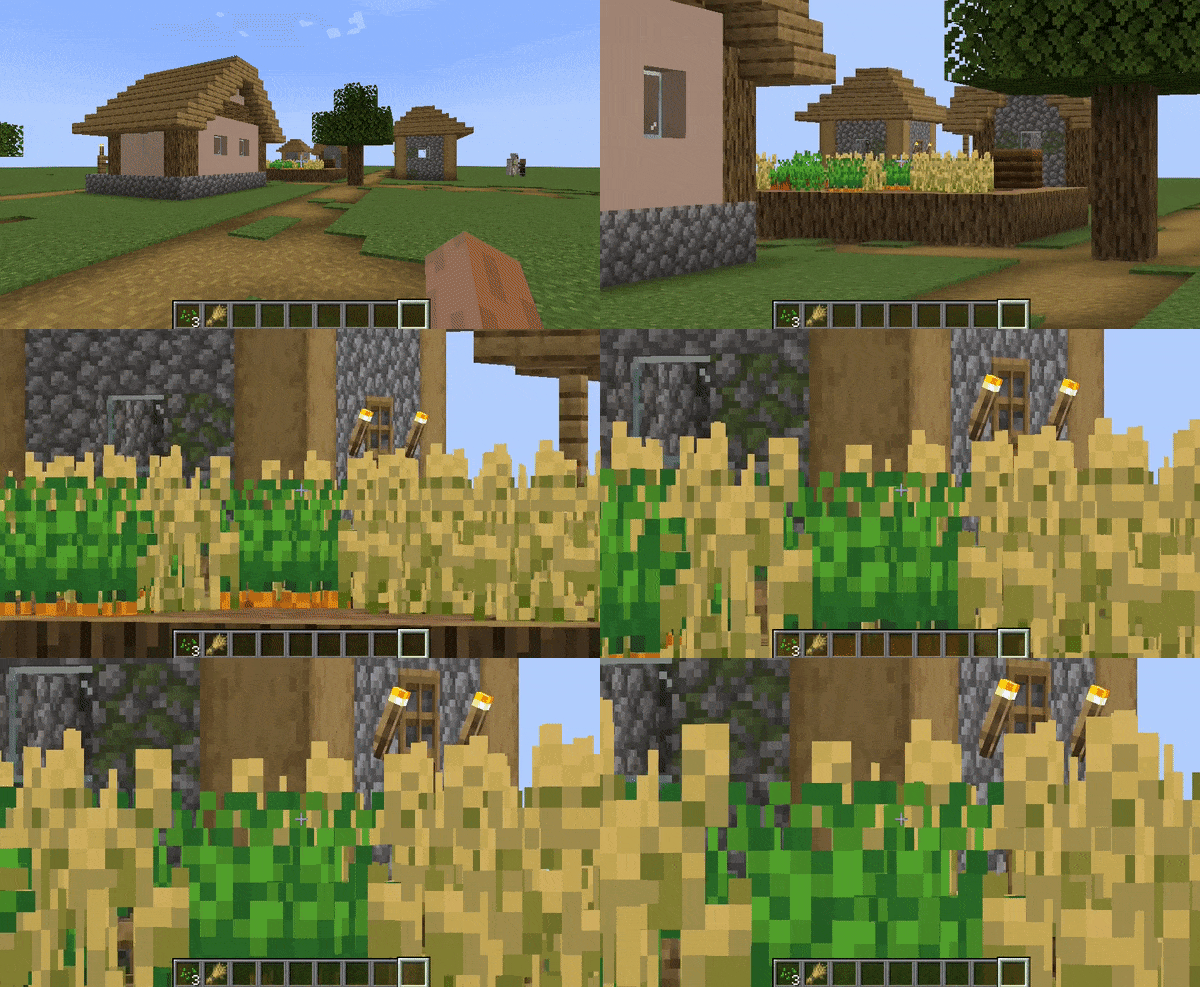
Cinematic Camera
Make the mouse/camera smooth, like the zoom in OptiFine.
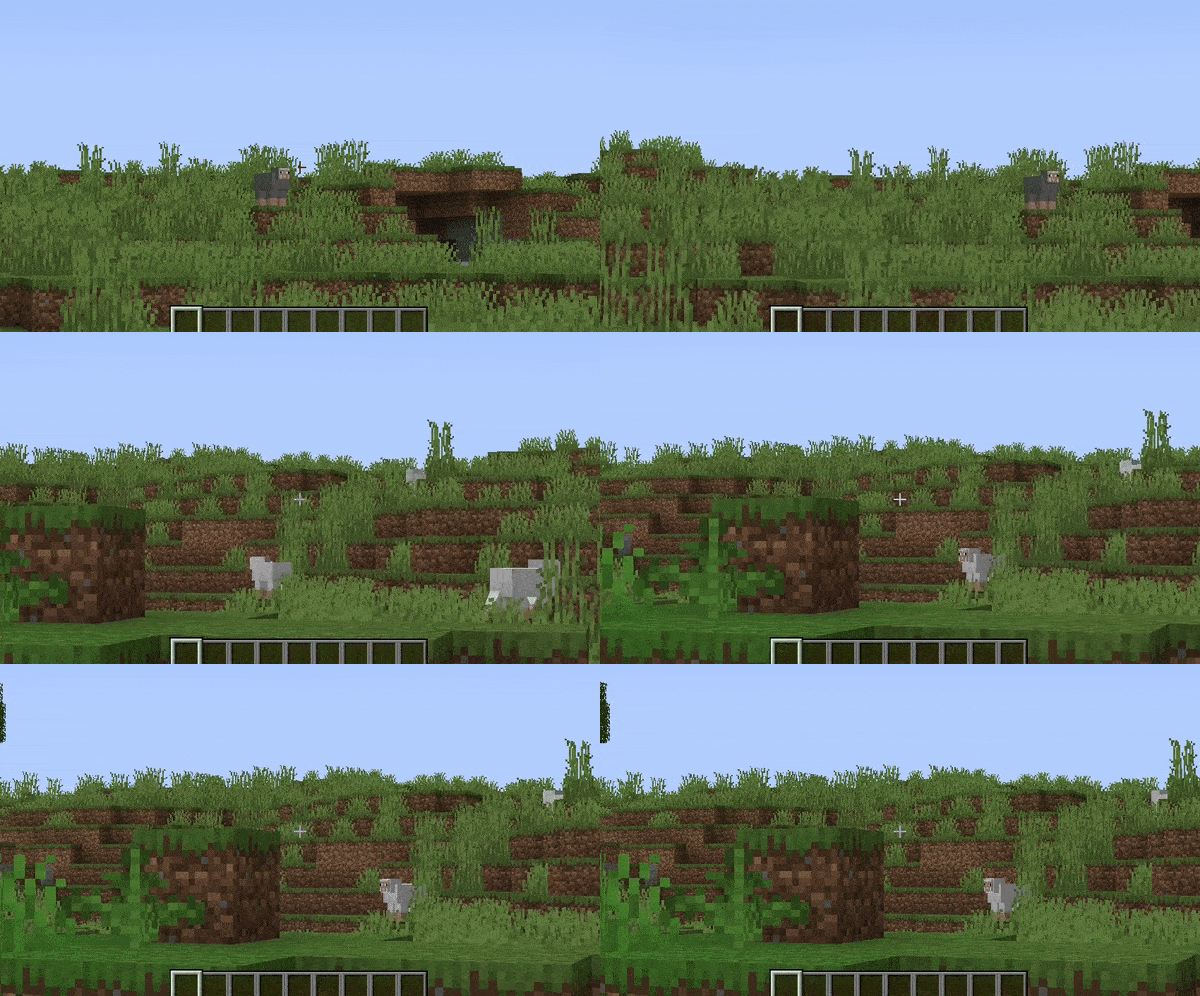
Affect Hand FOV
Turn off this setting to prevent your hand from also being zoomed in!
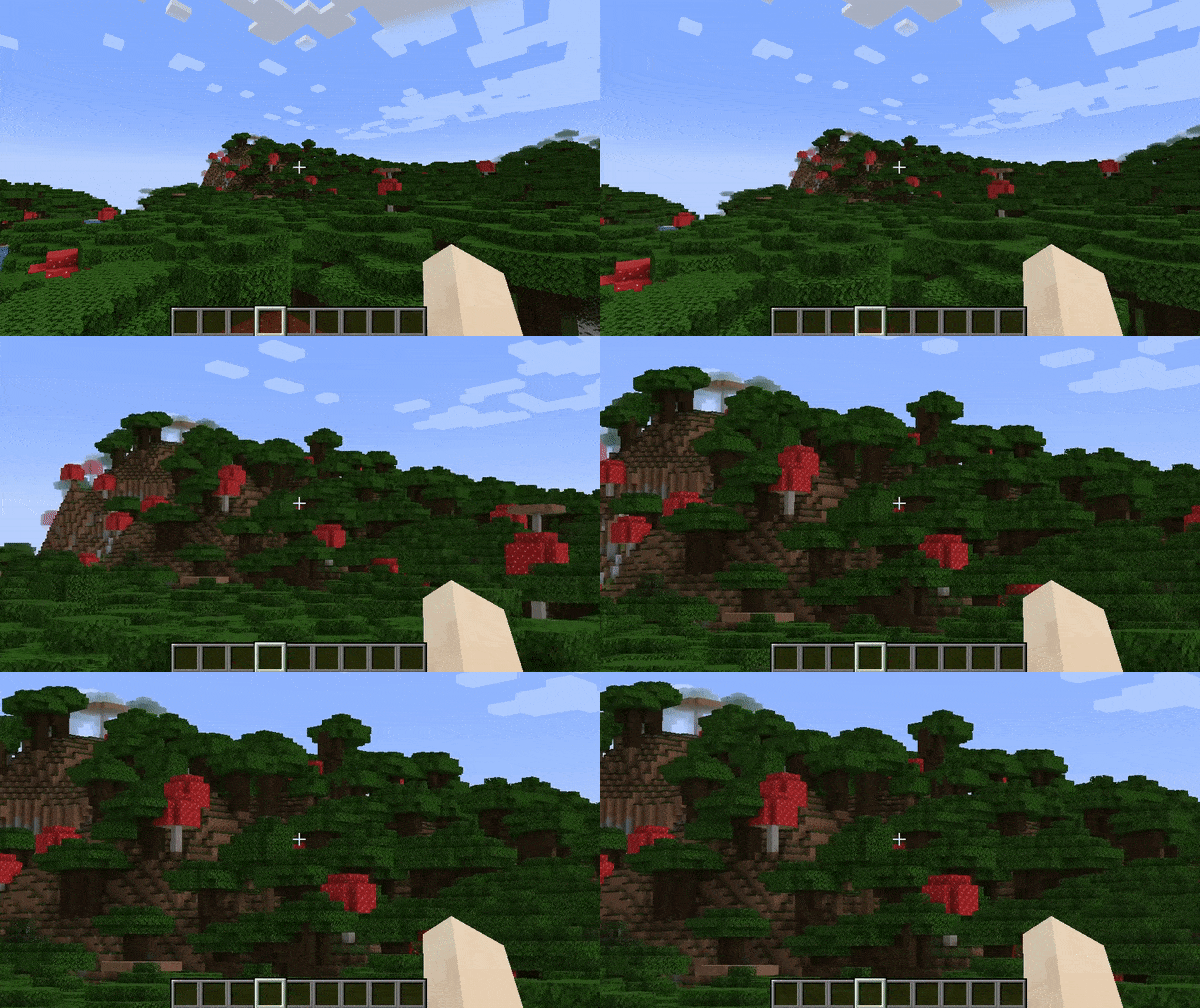
Secondary Zoom
Completely separate zoom from normal Zoomify.
Aimed for content creators, features Hide HUD While Zooming option and longer zoom in times.
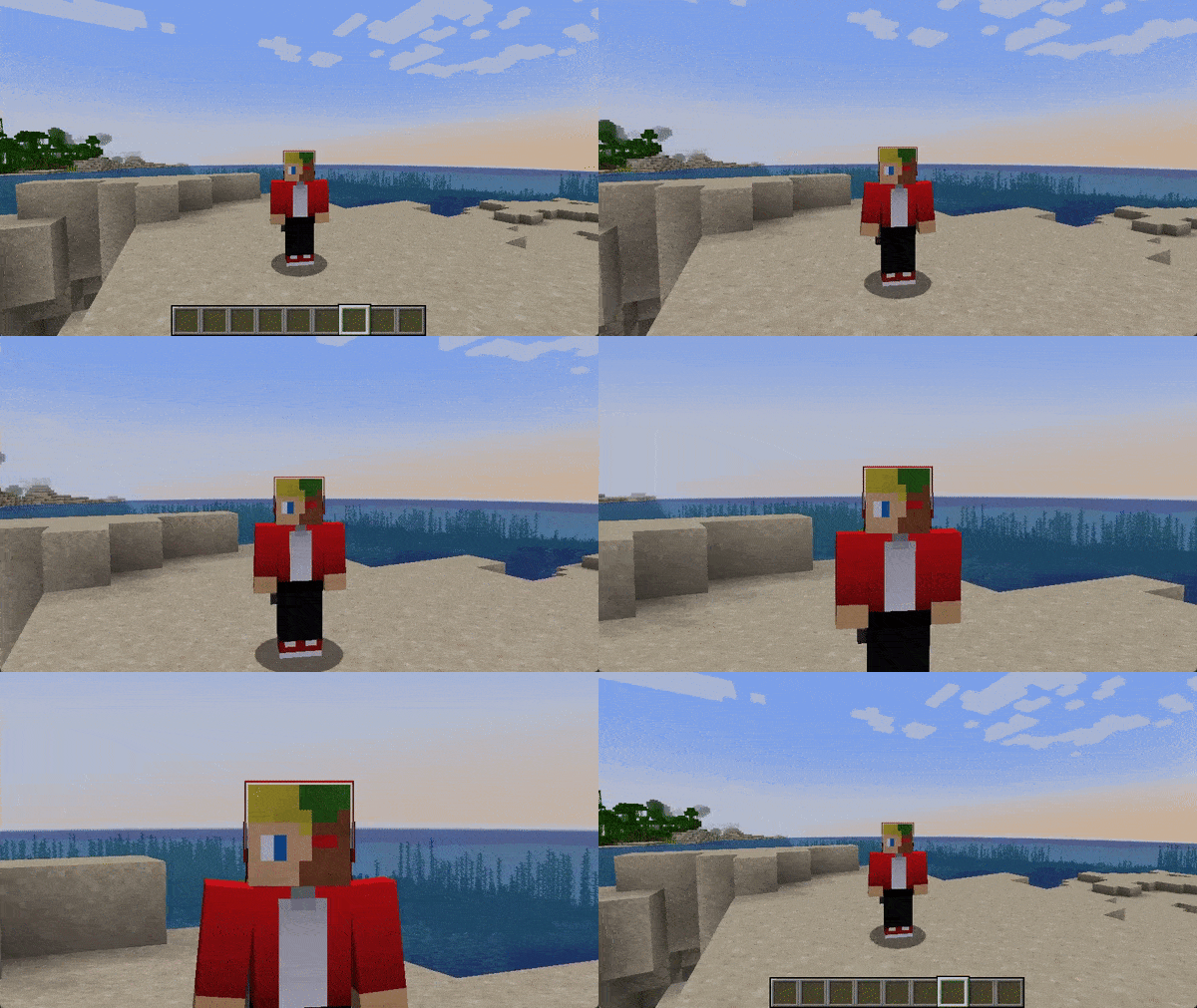
Presets
You can reset to default, make Zoomify behave like OptiFine and others!
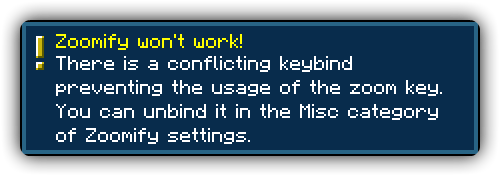
Smart Keybinding Detection
On first launch, if a keybinding is conflicting with Zoomify's zoom, a notification will appear notifying them of this.
Highly configurable
Absolutely NO hard-coded values. Everything about your zoom is configurable!
Control the zoom speed with seconds
Instead of some stupid arbitrary value such as zoom speed, you can pick the exact amount of seconds it will take to zoom in, with a separate setting for zooming out.
Credits
Translators
Languages in alphabetical order
- 神枪968 - 简体中文 / Chinese (Simplified)
- Xander - English (United Kingdom)
- Madis0 - eesti keel / Estonian
- co-91 - 日本語 / Japanese
- Rodrigo Appelt - Português / Portuguese
- SyberiaK - Русский / Russian
- Felix14-v2 - Русский / Russian
- Zetsphiron - Español (mexicano) / Spanish (Mexico)
- Zetsphiron - Español (españa) / Spanish (Spain)
- localfossa - Türkçe / Turkish
- Im Vietnam - Tiếng Việt / Vietnamese
AI-summarized from the mod's own pages · reviewed by our team
Reviewed for 2.17.0+mc26.2
Machine translated
Source: Modrinth project pageGuide
Summary
Zoomifyは、遠くの細部を見るための設定可能なクライアント側ズーム機能を追加します。操作方法、カメラの挙動、ズームの切り替え、望遠鏡との連携をプレイスタイルに合わせて調整できます。
Getting started
- ズームキーを確認する — Minecraftの操作設定を開き、初期設定ではCキーになっているZoomifyのキー割り当てを確認します。別のMinecraftのキー割り当てが初期設定で競合するため、ズームを試す前に赤色で表示された競合を解消してください。
- 設定を開く — クライアントコマンド /zoomify を使うと設定メニューが開きます。Mod Menuを使っている場合は、設定ボタンからZoomifyの設定を開くこともできます。
- スクロールを試す — ズームキーを押しながらマウスホイールを回すと、さらに拡大できます。バージョン2.17.0では、初期ズームレベルを超えて縮小することもできます。
Key features
望遠鏡との連携
ズームを使う前に望遠鏡を手に持つかインベントリに入れておくよう設定したり、Zoomifyのズームで望遠鏡のズームを置き換えたりできます。望遠鏡のオーバーレイや効果音もZoomifyで使用できます。
カメラ操作
相対感度を有効にすると、ズーム倍率に応じてマウス感度が下がります。相対的な視点の揺れを有効にすると、ズーム中のカメラの揺れが抑えられます。シネマティックカメラでは、マウスとカメラの動きがより滑らかになります。
切り替えと時間設定
瞬時、線形、イージング付きの切り替えから選べます。ズームイン時とズームアウト時に別々の方式を指定でき、それぞれの所要時間も秒単位で個別に設定できます。
セカンダリズーム
コンテンツ制作者向けの独立したセカンダリズームです。ズーム中にHUDを非表示にする設定があり、ズームインに長い時間をかけることもできます。
手の表示とプリセット
手が拡大表示されるのを避けたい場合は、手の視野角設定をオフにしてください。プリセットには初期設定に戻すものと、OptiFine風の設定があります。
Compatibility
Fabric, NeoForge · 提供された変更履歴には、Minecraft 26.1.2、26.2、26.3向けのZoomify 2.17.0ビルドが記載されています。すべてのゲームバージョンで対応ローダーが利用できることを示すものではありません。
Tips
- ズームに反応がない場合は、まず赤色で表示されたキー割り当ての競合を確認してください。Zoomifyは初回起動時に競合を警告することもあります。
- ズーム中の細かな操作には相対感度を試してください。移動時に視界が気になる場合は、相対的な視点の揺れを有効にしてみましょう。
- ズームインとズームアウトで異なる切り替え方式や所要時間を試すか、まずプリセットを選んでから調整してみましょう。
FAQ
- ズームを使うには望遠鏡が必要ですか?
- 手に持つかインベントリに入れておくことを必須に設定できますが、この制限は任意です。
- ズーム撮影中にインターフェースを非表示にできますか?
- セカンダリズームには、ズーム中にHUDを非表示にする設定があります。
Modrinth modrinth
indexable